
|
Do it yourself
| |||
| ||||


Model: Ktm Duke 200
In this tutorial, see how to set the time on a KTM Duke 200, a very simple and quick operation to perform, for example, after disconnecting the battery or switching to daylight saving time. First, insert the key, then turn on the instrument cluster, and using the "MODE" button, navigate to the screen displaying the total mileage. Next, press and hold both the "MODE" and "SET" buttons until the clock starts to flash, adjust the hour with the "MODE" button and the minutes with the "SET" button. To save the setting, simply press both buttons once more.
Posted on 21 August 2026 by ScegliAuto
Video tutorial
Related tutorials
Duke 200
In this tutorial, you will learn how to set the time on the KTM Duke 200, a very simple and quick operation to perform, for example, after disconnect…

Duke 200
.. In this tutorial, you will see how to set the time on a KTM Duke 200, a very simple and quick operation, for example, after replacing.. …

Duke 200
In this tutorial, you will see how to set the time on the KTM Duke 200, a very simple and quick operation to perform after disconnecting the battery …
|
How to Check the Coolant Level in a Yamaha Xmax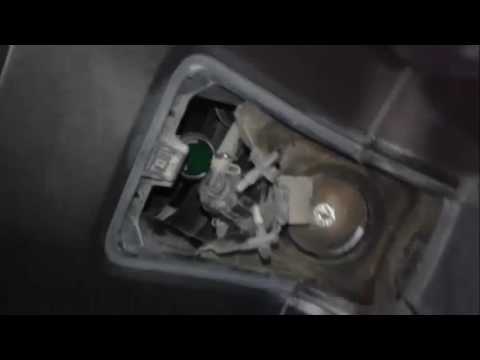
In the following video, you will learn how to check the coolant level in a 2008 Yamaha Xmax. First, position the motorcycle on a stable surface by raising the stand. Next, lift the cover located at the top of the motorcycle to access the coolant drain bolt. To top up the coolant, unscrew the cap as shown in the video and add the fluid until it reaches the maximum level, indicated as Max. Once finished, close the valve and refit the cover. At this point, start the engine and let it run at idle for a few minutes to eliminate any air bubbles that may have formed inside. by ScegliAuto More videos
|
|
For advertising on this site Write to info@scegliauto.com
ScegliAuto is not responsible for any inaccuracy of the data in the lists. To report any inaccuracy or your business (if you own the business in question), please write to info@scegliauto.com
Number of seconds to generate the page: 0.009
(c) ScegliAuto 2026 - info@scegliauto.com - Privacy policy VAT number: IT01247470535 |
