
|
Do it yourself
| |||
| ||||


How to Replace the Clutch on a KTM Duke 200?
Model: Ktm Duke 200
Video tutorial
To replace the clutch on the KTM Duke 200, loosen the screws securing the specific cover located on the right side of the bike, at the lower centre. Once the screws are removed, you can loosen the bolts that secure all the clutch plates to their housing, allowing them to be extracted. At this point, insert the new clutch into its seat, securing it with the appropriate bolts and ensuring everything functions correctly after installation.
Updated on 20 September 2026 by ScegliAuto
Related tutorials
Duke 200
In this video, we can see where the fuses are located in the KTM Duke 200 and what the respective diagram is, to consult in case we need to check the…
Duke 200
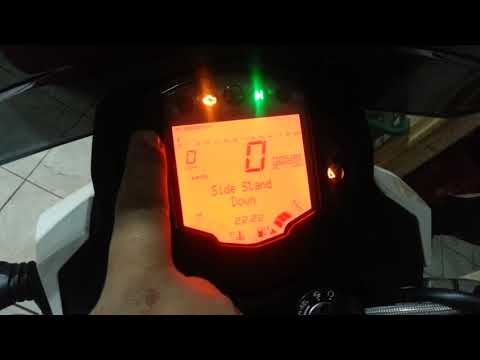
In this tutorial, you will see how to reset the service on a KTM Duke 200, a very simple and quick operation. Before proceeding, ensure that all requ…

Duke 200
In this tutorial, we will see how to replace the front headlamp on a KTM Duke 200, a very simple and quick operation. First, ensure that the key is n…
|
How to Replace the Wing Mirror on a Harley Davidson Sportster
To replace the wing mirror on a Harley Davidson Sportster, loosen the nut located at the base of the mirror, at the bottom of the handlebars. Once this nut is fully loosened, you can slide out the pin that secures the mirror to the handlebars, completely removing the old mirror from its housing and replacing it with a new replacement part. The new mirror should be positioned, inserting the corresponding pin, and finally secured by tightening the nut at the bottom of the handlebars. by ScegliAuto More videos
|
|
For advertising on this site Write to info@scegliauto.com
ScegliAuto is not responsible for any inaccuracy of the data in the lists. To report any inaccuracy or your business (if you own the business in question), please write to info@scegliauto.com
Number of seconds to generate the page: 0.007
(c) ScegliAuto 2026 - info@scegliauto.com - Privacy policy VAT number: IT01247470535 |
