
|
Do it yourself
| |||
| ||||


|
Model: Kymco Downtown 300i
In this video, we see how to resolve the issue with the ignition switch on the Kymco Downtown, which often gets stuck. The presenter first highlights that it is not possible to open a scooter with another key, even with the switch "stuck", and then shows that the system for removing the spring from the locking mechanism is quite simple, if only the half of the component wasn't hidden behind the shield, making it difficult to access. It is noted that the whole system relies on a rather weak spring, which can break very easily, and when this fails, it is impossible to start the vehicle. It is much better to remove it preemptively to avoid getting into trouble at an inconvenient time.
Updated on 10 August 2026 by ScegliAuto
Video tutorial
Related tutorials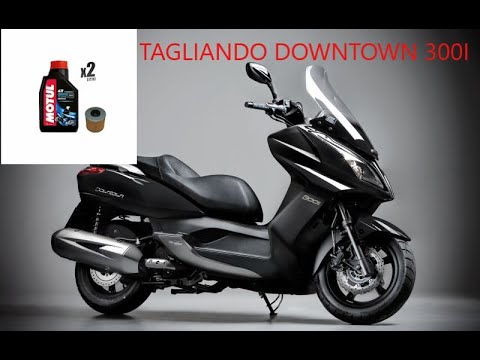
Downtown 300i
First, sit on the seat of your Kymco Downtown 300i. Start by activating the instrument panel by turning the key in the ignition switch. Next, press a…
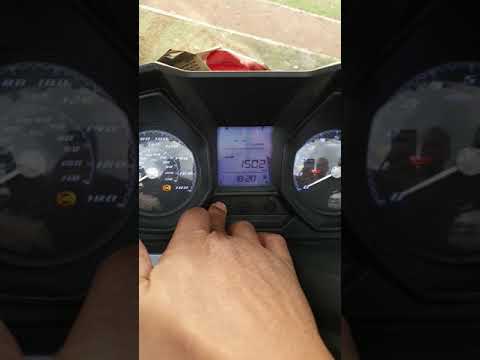
Downtown 300i
To set the clock on the Kymco Downtown 250, turn the ignition key in the ignition switch to power on the instrument panel. Once the panel is on, pres…
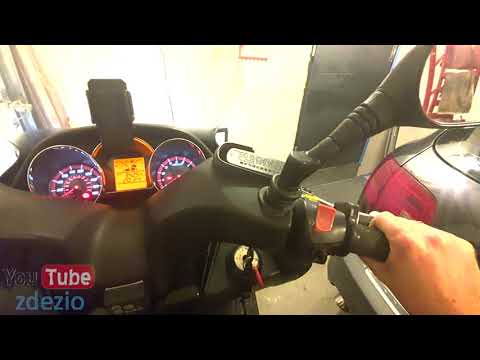
Downtown 300i
In this brief guide, you will learn how to reset the ECU (Electronic Control Unit) on the Kymco Downtown 300i ABS scooter by following the instructio…
|
How to Replace the Front Brake Pads on a Peugeot Elyseo 125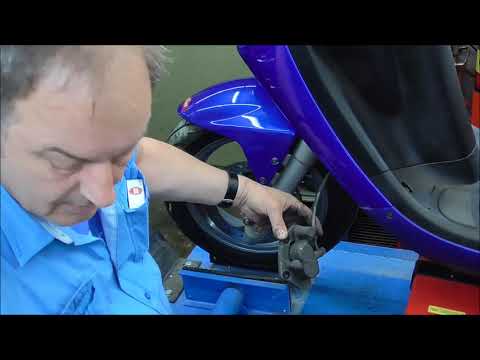
This guide briefly explains how to remove and replace the front brake pads on the Peugeot Elyseo 125 scooter. First, place your scooter on the centre stand and start unscrewing the bolts securing the front brake caliper to remove it from the disc; then, apply pressure to the caliper piston and clean it from any residual dirt, as shown in the video. At this point, remove and replace the brake pads with new, high-quality ones, installing them in the correct orientation and then refitting the brake caliper! by ScegliAuto More videos
|
|
For advertising on this site Write to info@scegliauto.com
ScegliAuto is not responsible for any inaccuracy of the data in the lists. To report any inaccuracy or your business (if you own the business in question), please write to info@scegliauto.com
Number of seconds to generate the page: 0.007
(c) ScegliAuto 2026 - info@scegliauto.com - Privacy policy VAT number: IT01247470535 |
