
|
Do it yourself
| |||
| ||||


How to Reset the Automatic Window Opening in a Lexus IS250?
Model: Lexus IS
MK 2
- Years 2005-2013
This tutorial demonstrates how to reset the automatic window opening in a Lexus IS250, a very simple and quick operation, for example, after disconnecting the battery. First, enter the cabin, then insert the key and turn on the ignition. Fully open the window in question, hold the button for five seconds, close it, and keep the button pressed for another five seconds. Finally, check that the procedure was successful and, if necessary, repeat it for the opposite side.
Posted on 3 October 2026 by ScegliAuto
Video tutorial
Related tutorials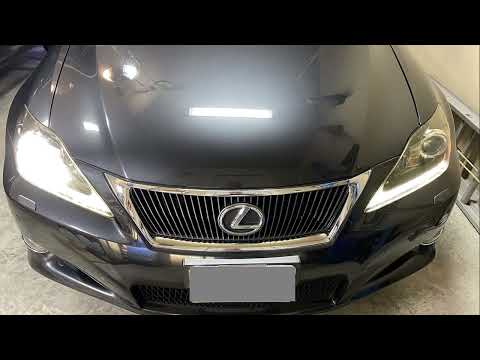
Lexus IS
(2005-2013 /
MK 2)
In this new mini guide dedicated to your Lexus IS250 second series (2011), we will discover how to replace the front headlamp bulb independently, wit…
Lexus IS
(2013-2024 /
MK 3)
In this tutorial, you will see how to reset the tyre warning light on the Lexus IS250, a very simple and quick operation, to be performed only after …

Lexus IS
(2005-2013 /
MK 2)
The procedure required for replacing the battery inside the key of your Lexus IS250 is really very simple and immediate. In this new guide of ours, w…
Other guides you may be interested in
|
How to Reset the EDC Light on an Iveco Eurocargo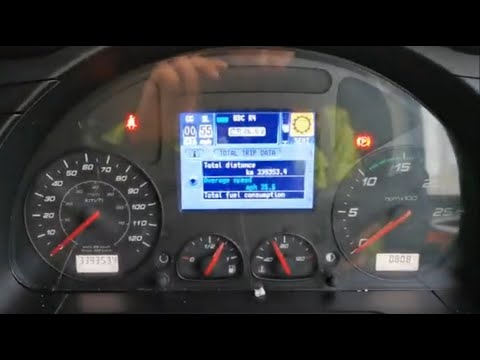
The engine light on an industrial vehicle like the Iveco Eurocargo must not be ignored. An engine fault on a heavy vehicle can cause serious damage to itself and others. After servicing, you can reset the EDC light, which is equivalent to an engine light, using the following method. Get into the vehicle, close the doors, and turn on the ignition: press the "call" button on the right side of the steering wheel once, then press the "down" button on the left side of the steering wheel twice. Now press the "menu" button on the right side of the steering wheel (below the phone button) and the "plus" button on the left side of the steering wheel. Now press "Ok" (still on the "call" button) and the light will turn off. Turn off the ignition and turn it back on to verify. by ScegliAuto More videos
|
|
For advertising on this site Write to info@scegliauto.com
ScegliAuto is not responsible for any inaccuracy of the data in the lists. To report any inaccuracy or your business (if you own the business in question), please write to info@scegliauto.com
Number of seconds to generate the page: 0.405
(c) ScegliAuto 2026 - info@scegliauto.com - Privacy policy VAT number: IT01247470535 |
