
|
Do it yourself
| |||
| ||||


|
Replacing the V-belt or auxiliary belt is quite straightforward. It is important to note the routing of the belt around the various pulleys before removing it (with a sketch or a photo) to avoid uncertainties during the installation of the new one. Start by removing all the plastic covers in the engine bay to access the belt. Locate the tensioner and loosen it by turning it clockwise to remove the old belt. Then, install the new belt, following the routing around the various pulleys until it is close to the tensioner, which must be loosened again to allow the belt to overlap and then be tensioned. Finally, reattach the plastic covers.
Updated on 15 February 2026 by ScegliAuto
This video is currently unavailable
Related tutorials
Lexus IS
(2005-2013 /
MK 2)
To carry out this maintenance, operate with the engine cold; remove the plastic cover on the engine, detach the intake duct, unscrew the fixing screw…
Lexus IS
(2013-2024 /
MK 3)
Many cars are equipped with a button for starting and stopping the engine, and as an accessory, you can also choose the colour of this button; the vi…
Lexus IS
(2013-2024 /
MK 3)
Washing your car is one of the most enjoyable moments for those who love to take care of their vehicle: doing it yourself, perhaps on a Saturday afte…
Other guides you may be interested in
|
How to Update the TomTom on a Renault Scenic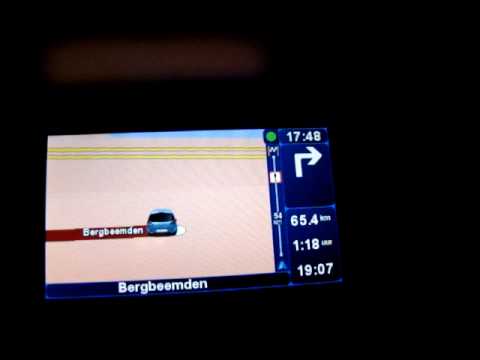
Follow this video to update the original TomTom navigator on a Renault Scenic. This is a very simple operation; enter the vehicle, turn on the instrument panel of your car with the key fob, press the knob located near the gear lever, and find the menu with the update option. Press the knob down and up to confirm, then wait for the necessary time for the device to update. Finally, the onboard computer will display the successful update of the navigator; check everything and turn off the instrument panel with the appropriate key. by ScegliAuto More videos
|

|
For advertising on this site Write to info@scegliauto.com
ScegliAuto is not responsible for any inaccuracy of the data in the lists. To report any inaccuracy or your business (if you own the business in question), please write to info@scegliauto.com
Number of seconds to generate the page: 0.094
(c) ScegliAuto 2026 - info@scegliauto.com - Privacy policy VAT number: IT01247470535 |
