
|
Do it yourself
| |||
| ||||


How do you replace the battery in the remote control of the Lexus IS 300?
In order to replace the remote control battery of the Lexus IS 300 you need to unscrew the small screw that is located immediately under the key: once this screw has been loosened, it will be possible to pry in the groove that divides the two halves of the remote control, in so that the latter is opened and the battery inside is removed. After removing the battery, it will be possible to insert the new one in its place and the remote control can then be closed. Once the screw has been inserted, it will then be necessary to check that the device works correctly.
Posted on 21 March 2023 by ScegliAuto
Video tutorial
Related tutorials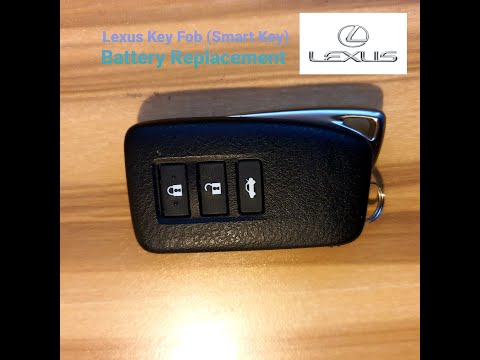
Lexus IS
(2005-2013 /
MK 2)
In this video tutorial we will see the steps that will allow us to remove and replace the key remote control battery on the Lexus IS 250, but also on…
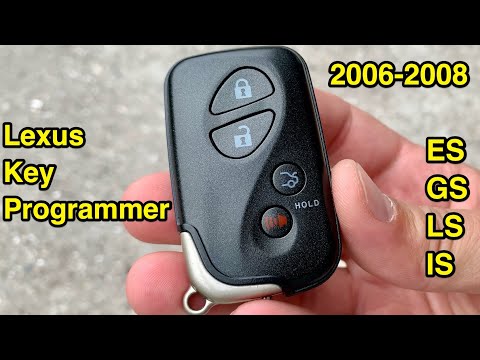
Lexus IS
(2005-2013 /
MK 2)
Let's briefly see the instructions that will allow us to program the remote control of the Lexus IS key. In order to carry out the remote control pro…
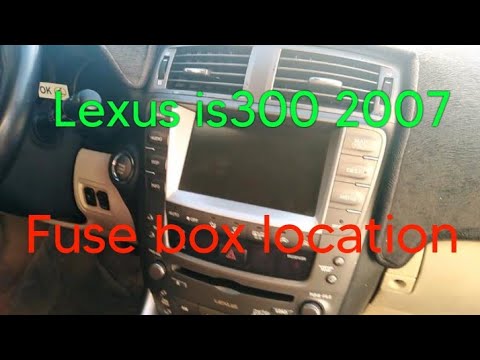
Lexus IS
(2005-2013 /
MK 2)
If you own a Lexus IS 300 second series (year 2007) and you want to find out where the box containing all the various fuses of the vehicle is located…
Other guides you may be interested in
|
Replace the Battery in a Toyota Auris Key Fob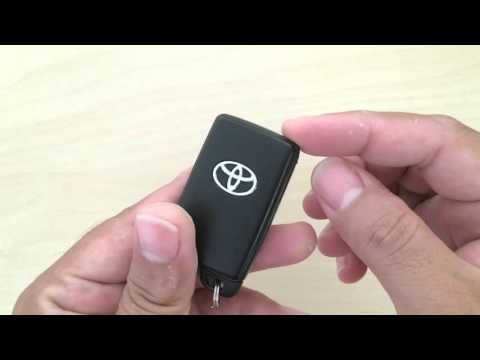
How to replace the battery in a Toyota Auris key fob? Follow these steps. Take your key fob and slide the button to release the metal key. Once extracted, use the key or a screwdriver to pry open the key cover. Pry until the two pieces separate, then use a screwdriver to remove the battery and replace it with a new one of the same size and voltage. Refit the cover onto the key fob until you hear it click into place. Finally, insert the metal key back into the key fob. Check the proper functioning of the key fob. by ScegliAuto More videos
|
|
For advertising on this site Write to info@scegliauto.com
ScegliAuto is not responsible for any inaccuracy of the data in the lists. To report any inaccuracy or your business (if you own the business in question), please write to info@scegliauto.com
Number of seconds to generate the page: 0.125
(c) ScegliAuto 2026 - info@scegliauto.com - Privacy policy VAT number: IT01247470535 |
