
|
Do it yourself
| |||
| ||||


How to reset the tire pressure light in the Lexus RX350?
Model: Lexus RX
MK 4, Al20
- Years 2016-2022
In this tutorial we can see how to reset the tire pressure light in the Lexus RX350, an extremely simple and quick operation, to be done only once the correct pressure of each tire has been restored following the instructions in the manual. First of all, let's go inside the cabin, then turn on the instrument panel and, using the directional buttons on the steering wheel, reach the general menu. Then enter "Vehicle settings", "TPMS", and wait for the procedure to finish. Restart the vehicle afterwards to verify that the operation has been successful.
Posted on 26 June 2024 by ScegliAuto
Video tutorial
Related tutorials
Lexus RX
(2008-2015 /
MK 3, Al10)
The tire pressure warning light on the instrument panel of your 2009 Lexus RX350 lights up when a puncture or incorrect inflation pressure is detecte…

Lexus RX
(2022-2026 /
Alh10, Ala10)
Let's see how to reset the tire pressure warning light on the Lexus RX350: first of all, check the tire pressure with a reliable gauge, then turn on …
Lexus RX
(2003-2008 /
Xu30, MK 2)
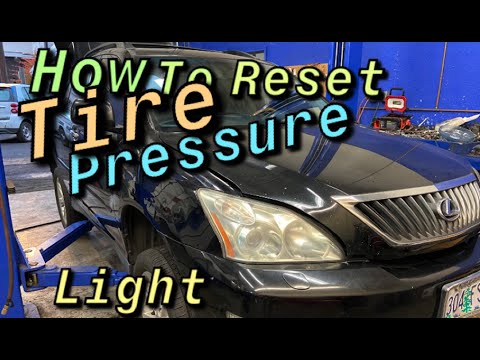
In this tutorial, we can see how to reset the tire warning light in the Lexus RX350, an extremely simple and fast operation. Before doing this, we mu…
Other guides you may be interested in
|
How to Replace the Rear Door Lock on an Audi A4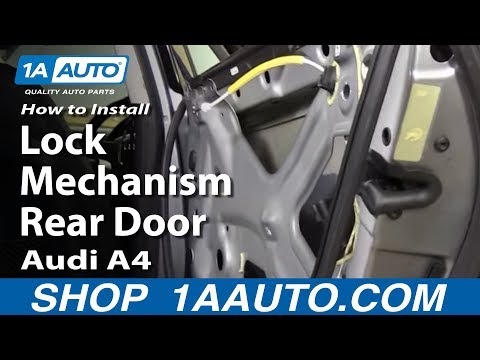
First, disconnect the negative cable from the battery. Now, open the door in question and lift the chrome strip at the top. Then, remove all the screws indicated in the video. You can now lift the door panel by pulling it towards you. Disconnect the connectors at the back and remove the panel. Next, you will need to remove the components shown in the video. Also, detach the weatherstrip around the door and the protective sheet. You will also need to remove the window glass by disconnecting all the connectors and bolts. Then, replace the damaged part and retrace the steps described in reverse. by ScegliAuto More videos
|
|
For advertising on this site Write to info@scegliauto.com
ScegliAuto is not responsible for any inaccuracy of the data in the lists. To report any inaccuracy or your business (if you own the business in question), please write to info@scegliauto.com
Number of seconds to generate the page: 0.063
(c) ScegliAuto 2026 - info@scegliauto.com - Privacy policy VAT number: IT01247470535 |
