
|
Do it yourself
| |||
| ||||


How to reset the service light on the 2022 Maxus
Model: Maxus G10
MK 1
- Years 2014-2024
Today we will explain how to reset the service light on a 2022 Maxus G10 vehicle independently with simple and quick steps. To perform this operation, we need to turn on the car's instrument panel and press the menu button, located on the left side of the steering wheel. We access the settings menu and select the "maintenance" option, then select the "reset" option and wait for the next service interval kilometers to load. We return to the main menu and restart the instrument panel to complete the operation of resetting the car service light.
Posted on 30 October 2024 by ScegliAuto
Video tutorial
Related tutorials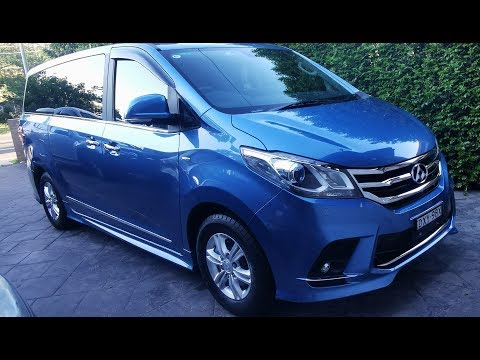
Maxus G10
(2014-2024 /
MK 1)
If when you start your Maxus G10 you notice the appearance of the maintenance warning light (with a wrench shown above) do not worry because you can …
Maxus G10
(2014-2024 /
MK 1)
If you are curious to know the exact location of the fuse box in your Maxus G10, all you need to do is read the instructions in the following mini gu…
Maxus G10
(2014-2024 /
MK 1)
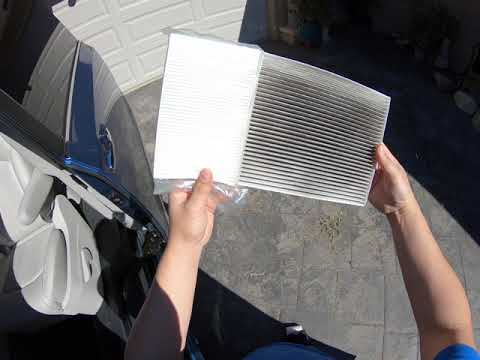
Let's find out today how to remove and replace the cabin air filter or the pollen filter of the Maxus G10. First of all we get on board the car, on t…
Other guides you may be interested in
|
How to Remove the Fuel Pump from a Hyundai IX35
How to remove the fuel pump from a Hyundai IX35. First, disconnect the battery cables, then remove the rear seat from the car. You will find various wiring and a metal piece with screws; that is what you need to dismantle. Undo the screws of the metal cap and remove it. Wrap the entire perimeter of the metal sheet with absorbent paper or cloth, then, with a screwdriver, undo the large bolt around the pump (if present for the model). Disconnect the power connectors and the liquid circulation pipes. Finally, extract the floating fuel pump. To perform the assembly, work in reverse order. by ScegliAuto More videos
|

For advertising on this site Write to info@scegliauto.com
ScegliAuto is not responsible for any inaccuracy of the data in the lists. To report any inaccuracy or your business (if you own the business in question), please write to info@scegliauto.com
Number of seconds to generate the page: 0.066
(c) ScegliAuto 2026 - info@scegliauto.com - Privacy policy VAT number: IT01247470535 |
