
|
Do it yourself
| |||
| ||||



How to Reset the Service Light on the Maxus G10
Model: Maxus G10
MK 1
- Years:
2014, 2015, 2016, 2017, 2018, 2019, 2020, 2021, 2022, 2023, 2024
Video tutorial
If you notice the maintenance light (with a wrench icon) when starting your Maxus G10, don't worry because you can clear it with a simple reset at no cost. Just follow these steps. First, make sure to leave the driver's door open. Next, press the "Start" button twice in quick succession to power on the dashboard. Navigate through the menu using the knob located at the end of the left steering column and find the option "Remaining distance to service." At this point, press the "Set/CLR" button five times in a row, and you're done.
Updated on 14 May 2026 by ScegliAuto
Related tutorials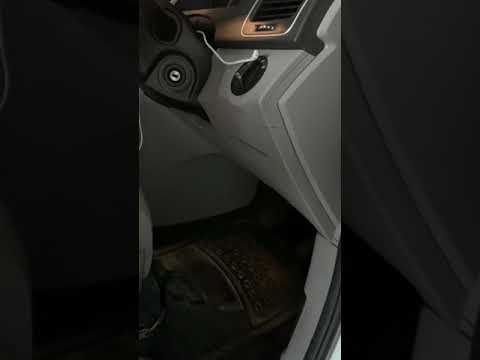
Maxus G10
(2014-2024 /
MK 1)
If you are curious about the exact location of the fuse box in your Maxus G10, just read the instructions in the following mini guide. First, make su…

Maxus G10
(2014-2024 /
MK 1)
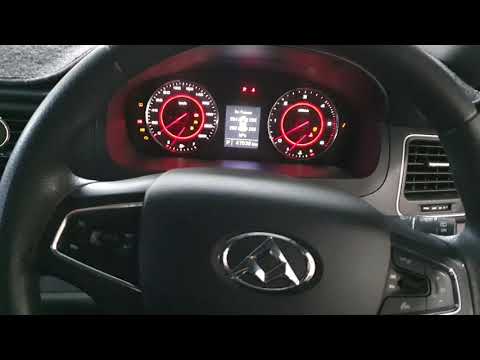
.. Here’s how to reset the service light on the Maxus G10, a van produced by the Chinese company SAIC. Turn on t.. …
Maxus G10
(2014-2024 /
MK 1)
In this tutorial, you will see how to reset the service on a Maxus G10, a very simple operation to perform only after completing all required mainten…
Other guides you may be interested in
|
Where are the fuses located on the Renault Laguna?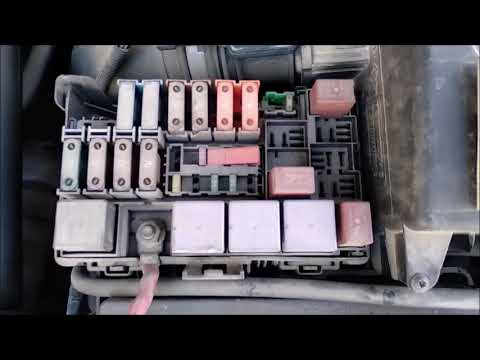
On the Renault Laguna, the fuses are located inside the fuse boxes installed in the vehicle: in this car model, you will find two boxes for containing the fuses. The first is in the fuse box on the left side of the dashboard, accessible by opening the driver's door: here you will find the fuses for the windscreen wipers, fog lights, horn, etc. The second box is located on the right side of the engine compartment: here you will find the fuses for the dipped headlights, radiator fan, alternator, etc. by ScegliAuto More videos
|
|
For advertising on this site Write to info@scegliauto.com
ScegliAuto is not responsible for any inaccuracy of the data in the lists. To report any inaccuracy or your business (if you own the business in question), please write to info@scegliauto.com
Number of seconds to generate the page: 0.015
(c) ScegliAuto 2026 - info@scegliauto.com - Privacy policy VAT number: IT01247470535 |
