
|
Do it yourself
| |||
| ||||


How to Reset the Service on a Maxus G10?
Model: Maxus G10
MK 1
- Years 2014-2024
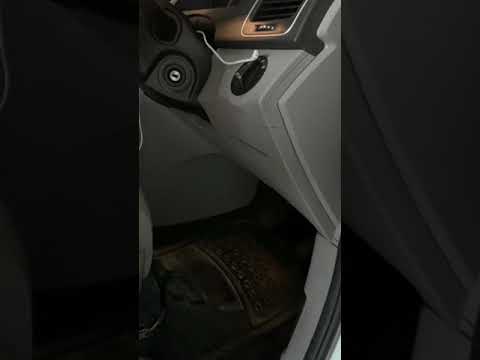
In this tutorial, you will see how to reset the service on a Maxus G10, a very simple operation to perform only after completing all required maintenance tasks. First, insert the key but keep it in the initial position, then open the driver's door and turn on the ignition. Next, remove the notification on the display by pressing the button at the end of the left stalk, scroll through the screens with the dial, and navigate to the indicated screen, where you will quickly rotate the dial counterclockwise and simultaneously press the same button.
Updated on 15 May 2026 by ScegliAuto
Video tutorial
Related tutorials
Maxus G10
(2014-2024 /
MK 1)
Here’s how to reset the service light on the Maxus G10, a van produced by the Chinese company SAIC. Turn on the ignition and navigate through the onb…
Maxus G10
(2014-2024 /
MK 1)
If you are curious about the exact location of the fuse box in your Maxus G10, just read the instructions in the following mini guide. First, make su…

Maxus G10
(2014-2024 /
MK 1)
If you notice the maintenance light (with a wrench icon) when starting your Maxus G10, don't worry because you can clear it with a simple reset at no…
Other guides you may be interested in
|
How to Replace the Diesel Filter of the Peugeot 3008 1.5 BlueHDI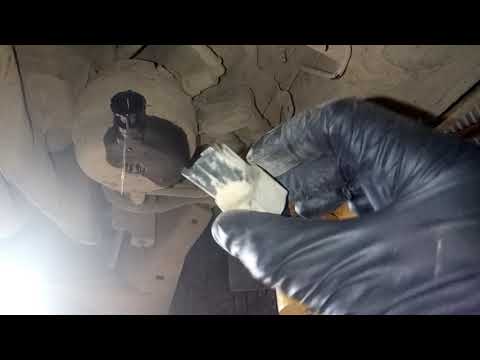
Briefly, we will see the main instructions for dismantling and replacing the diesel filter of the Peugeot 3008 1.5 BlueHDI. First, locate the diesel filter under the vehicle, so it will be necessary to lift it; then disconnect the electrical connector and the fuel lines from the filter, unscrewing the side screws to remove the cartridge, as shown in the video. At this point, replace the diesel filter with the new one, as well as with the original one; then reconnect the pipes and the electrical connector, following the video tutorial to the end! by ScegliAuto More videos
|

For advertising on this site Write to info@scegliauto.com
ScegliAuto is not responsible for any inaccuracy of the data in the lists. To report any inaccuracy or your business (if you own the business in question), please write to info@scegliauto.com
Number of seconds to generate the page: 0.286
(c) ScegliAuto 2026 - info@scegliauto.com - Privacy policy VAT number: IT01247470535 |
