
|
Do it yourself
| |||
| ||||


How to reset the service in the Maxus T60?
Model: Maxus T60
MK 1
- Years 2016-2024
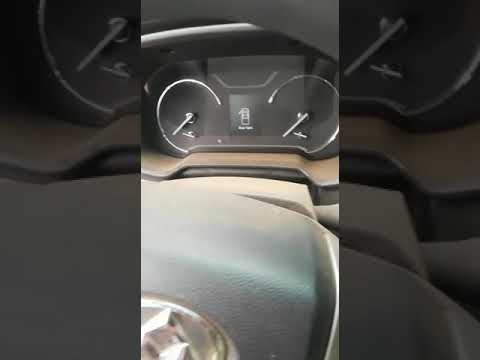
In this tutorial we can see how to reset the service in the Maxus T60, a very simple and fast operation, to be carried out only after having completed all the work required by maintenance. Let's start by inserting the key and turning on the instrument panel, then press the "CAR" button under the touch screen display. In the screen that has just appeared, we find the service we intend to reset, press the relative "Maintened" key and proceed with the reset as indicated on the screen. We repeat the operation for each element, as needed. Once finished, we return to the main screen.
Posted on 3 April 2022 by ScegliAuto
Video tutorial
Related tutorials
Maxus T60
(2016-2024 /
MK 1)
In this video we see how to reset the service of the Maxus T60 pick-up. This vehicle is marketed in Australia and New Zealand under the LDV T60 brand…

Maxus T60
(2016-2024 /
MK 1)
Today we will see, in this video tutorial, the instructions that will allow us to reset the service light of the ordinary maintenance of the oil chan…
Maxus T60
(2016-2024 /
MK 1)
.. In this tutorial we can see how to reset the service in the Maxus T60. Before carrying out this simple operation, we will obviously.. …
Other guides you may be interested in
|
How to Replace the Gear Knob on a Mini
Want to replace the gear knob on a Mini? Follow these steps for the replacement: first, take the knob in your hands and rotate it left and right until you remove it from the gear stick. Use a plastic lever to disconnect the leather gaiter frame (if it needs replacing). For reassembly: fit the new leather gaiter with the clips (if removed), then take the new knob and push it onto the stick in the centre console until it is secured. Finally, test the movement of the stick in the centre console to ensure the knob is correctly fitted. by ScegliAuto More videos
|

|
For advertising on this site Write to info@scegliauto.com
ScegliAuto is not responsible for any inaccuracy of the data in the lists. To report any inaccuracy or your business (if you own the business in question), please write to info@scegliauto.com
Number of seconds to generate the page: 0.096
(c) ScegliAuto 2026 - info@scegliauto.com - Privacy policy VAT number: IT01247470535 |
