
|
Do it yourself
| |||
| ||||


How to install the dashcam on the Maxus G10
Model: Maxus G10
MK 1
- Years 2014-2024
Today we will see, in this video tutorial, how to install the dashcam or the front security camera of the Maxus G10, following these simple steps. First we get on board the car and we go to fix our dashcam on the windshield or on the plastic side pillar; therefore it is necessary to pass the electrical wiring of the same to power it. Now let's pass the electric cables from the compartment located next to the glovebox, thus reaching the battery power supply; we install the rear camera in the same way, following the video to the end!
Posted on 11 April 2022 by ScegliAuto
Video tutorial
Related tutorials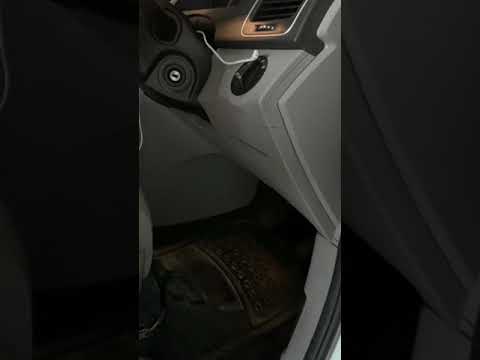
Maxus G10
(2014-2024 /
MK 1)
If you are curious to know the exact location of the fuse box in your Maxus G10, all you need to do is read the instructions in the following mini gu…
Maxus G10
(2014-2024 /
MK 1)
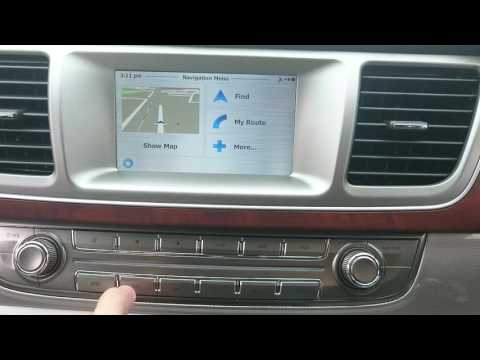
Let's see in this short and simple guide how to use the satellite navigator of the Maxus G10, but also of the LDV G10. First of all, let's get on boa…
Maxus G10
(2014-2024 /
MK 1)
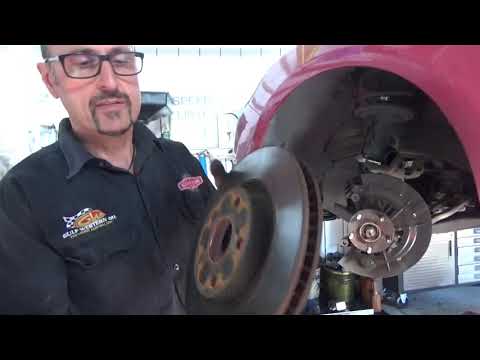
To be able to service the Maxus G10 you have to go and lift the car, so that you can unscrew the oil drain plug. All the oil that escapes must be col…
Other guides you may be interested in
|
Replace the Battery in a Toyota Auris Key Fob
How to replace the battery in a Toyota Auris key fob? Follow these steps. Take your key fob and slide the button to release the metal key. Once extracted, use the key or a screwdriver to pry open the key cover. Pry until the two pieces separate, then use a screwdriver to remove the battery and replace it with a new one of the same size and voltage. Refit the cover onto the key fob until you hear it click into place. Finally, insert the metal key back into the key fob. Check the proper functioning of the key fob. by ScegliAuto More videos
|

|
For advertising on this site Write to info@scegliauto.com
ScegliAuto is not responsible for any inaccuracy of the data in the lists. To report any inaccuracy or your business (if you own the business in question), please write to info@scegliauto.com
Number of seconds to generate the page: 0.069
(c) ScegliAuto 2026 - info@scegliauto.com - Privacy policy VAT number: IT01247470535 |
