
|
Do it yourself
| |||
| ||||


Guide to Using the Infotainment System of the Maxus D90
Model: Maxus D90
MK 1
- Years 2017-2024
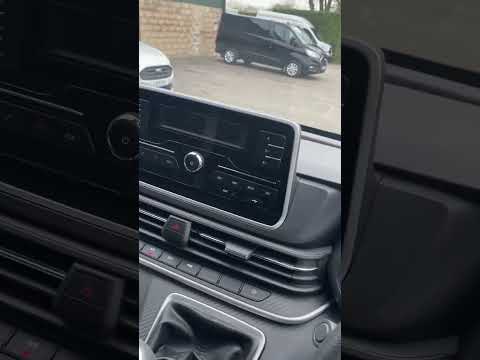
In this short and simple guide, you will see the main functions of the infotainment system of the Maxus D90, following the instructions provided below. First, get in the vehicle and turn on the instrument cluster and then the central display; you will see that you can access the radio, vehicle settings, climate control, and navigation, as shown in the video. Next, all the various available functions are illustrated, along with how to activate them; ultimately, we can say that the infotainment system of the Maxus D90 is very intuitive and easy to use.
Updated on 28 July 2026 by ScegliAuto
Video tutorial
Related tutorials
Maxus D90
(2017-2024 /
MK 1)
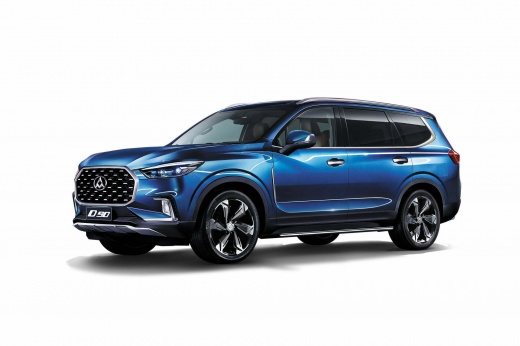
The LDV D90 is a large SUV built in China by Saic, one of the largest Chinese manufacturers, also the owner of the Maxus brand. In fact, the LDV D90 …
Maxus D90
(2017-2024 /
MK 1)
Unlike other Maxus models, resetting the service light, or maintenance light, on the Maxus D90 is done differently but is not difficult to execute. F…
Maxus D90
(2017-2024 /
MK 1)
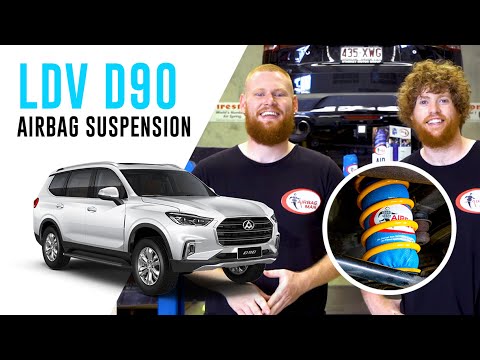
To replace the suspension on a Maxus D90, lift the vehicle to access the components underneath. You will find the suspension parts with the correspon…
Other guides you may be interested in
|
How to reset the tyre pressure warning light on the Suzuki Jimny?
To reset the tyre pressure warning light on the Suzuki Jimny, first inflate the tyres to the pressure value indicated on the corresponding sticker: this is located at the bottom of the driver's door pillar. Once the tyres are inflated, insert the ignition key and turn on the instrument panel: select the screen that indicates the tyre pressures, checking that the values change. After a few seconds, the tyre pressure warning light will automatically turn off. by ScegliAuto More videos
|
|
For advertising on this site Write to info@scegliauto.com
ScegliAuto is not responsible for any inaccuracy of the data in the lists. To report any inaccuracy or your business (if you own the business in question), please write to info@scegliauto.com
Number of seconds to generate the page: 0.116
(c) ScegliAuto 2026 - info@scegliauto.com - Privacy policy VAT number: IT01247470535 |
