
|
Do it yourself
| |||
| ||||


Quick Removal of the Car Radio
Model: Mazda 3
BK, MK 1
- Years 2003-2009
Do you want to replace the factory radio or install a satellite navigation system? Here’s how to do it in a few steps. First, open the glove compartment, remove the indicated plastic by pulling it towards you, unscrew the 2 cross-head screws at the top of the radio, and simply pull it out. Before removing the radio, disconnect the power and antenna cables found at the back.
To proceed with the new installation, you will need a specific ISO radio adapter fascia and an ISO interface connector, which will allow you to mount the new radio.
Updated on 1 February 2026 by ScegliAuto
Video tutorial
Related tutorials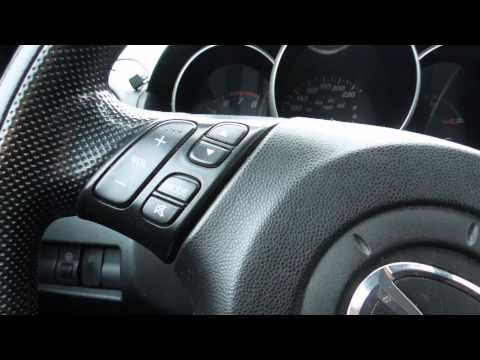
Mazda 3
(2003-2009 /
BK, MK 1)
Using a plastic tool to avoid damaging the bodywork, lever around the display trim to release the plastic clips in order to access the retaining scre…
Mazda 3
(2003-2009 /
BK, MK 1)
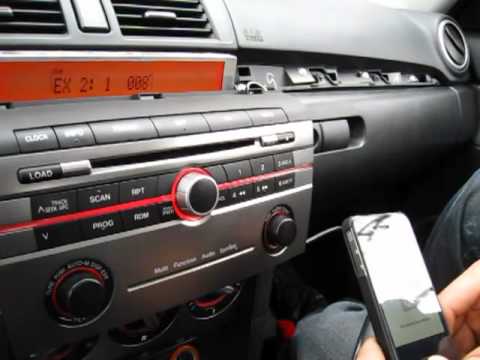
Open the glove compartment and, using a small flat screwdriver, detach the central trim of the dashboard; then unscrew the two fixing screws of the a…
Mazda 3
(2009-2013 /
BL, MK 2)
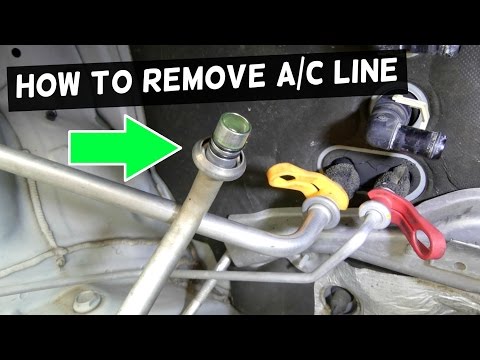
The pipes that transport refrigerant gas in the air conditioning system have a unique fastening system at the connection points. It is a type of quic…
Other guides you may be interested in
|
How to Remove the Original Stereo on a Ford Focus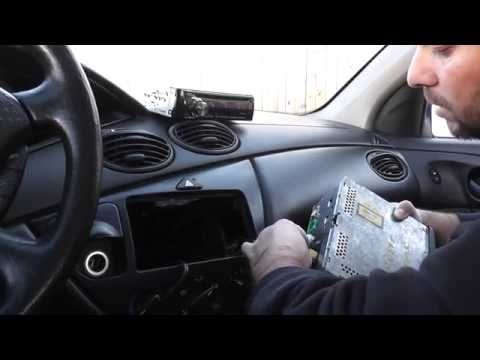
How to remove the original stereo on a Ford Focus? Follow these guidelines for the removal. Use the original or aftermarket metal keys to remove the stereo: insert the keys into the holes on the plastic cover of the stereo, pull the stereo towards you as shown in the video, and carefully extract the stereo while being mindful of the wiring (disconnect the power connectors and the antenna cable). Finally, reinstall the original stereo or a generic brand with the appropriate adapter for the connections. by ScegliAuto More videos
|
|
For advertising on this site Write to info@scegliauto.com
ScegliAuto is not responsible for any inaccuracy of the data in the lists. To report any inaccuracy or your business (if you own the business in question), please write to info@scegliauto.com
Number of seconds to generate the page: 0.047
(c) ScegliAuto 2026 - info@scegliauto.com - Privacy policy VAT number: IT01247470535 |
