
|
Do it yourself
| |||
| ||||


Replacement of Cabin Air Filter
Model: Mazda 5
MK 1
- Years 2005-2015
The cabin air filter is located behind the centre tunnel: access it from the passenger side and remove the plastic side cover and the sound-absorbing lining located just below the glove compartment. Remove the fixing screws of the air deflector opening and closing mechanism, disconnect the relevant connectors, and extract the two cabin filters (they are stacked one on top of the other).
Then insert the new filters and reassemble everything. It is also recommended to sanitise the cabin with a suitable spray, spraying it into the air ducts to eliminate any unpleasant odours.
Updated on 7 February 2026 by ScegliAuto
Video tutorial
Related tutorials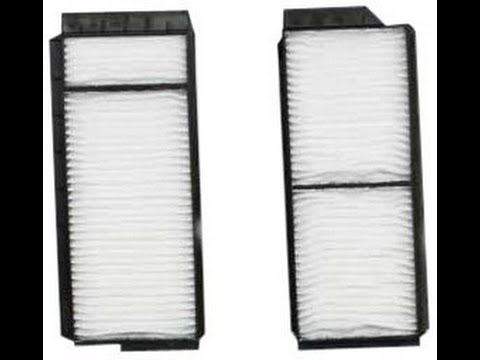
Mazda 5
(2005-2015 /
MK 1)
Replacing the pollen filter in your car is a very important task as it protects against external agents entering the cabin, preserving the health of …

Mazda 5
(2005-2015 /
MK 1)
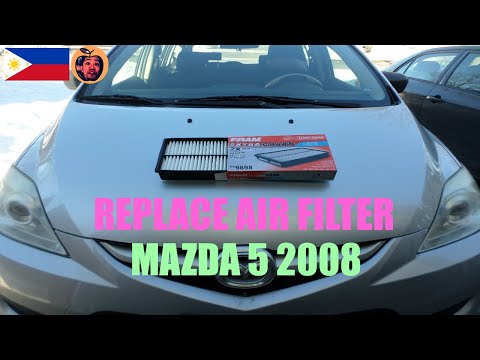
Today we will explain how to replace the cabin air filter on a Mazda 5 vehicle. To replace the air filter, we must remove the bottom of the passenger…
Mazda 5
(2005-2015 /
MK 1)
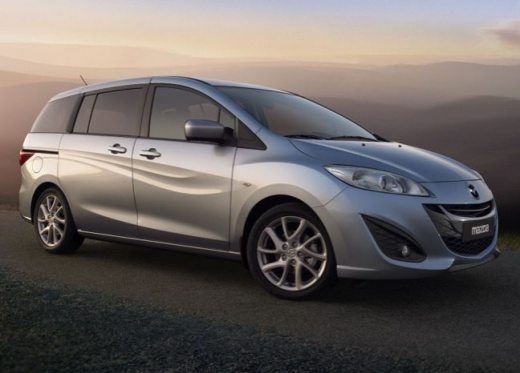
In this new guide of ours dedicated to all of you owners of a 2008 Mazda 5, we will describe step by step all the various steps necessary to be able …
Other guides you may be interested in
|
How to Replace the Timing Belt on the BMW X3
Unlatch and lift the hood, then you will need to remove all the parts above the area where you will be working. As shown in the video, you can remove the screws to take off the upper panels. Now you need to remove the air filter cover from the engine. In any case, you will need to remove all obstructing parts until you reach the belt. In the diagram, you can see which pulley acts as the tensioner, so loosen it to remove the belt. Once the tension is off the belt, you can take it out and replace it without issues. Retrace the steps in reverse for reassembly of the various components. by ScegliAuto More videos
|
|
For advertising on this site Write to info@scegliauto.com
ScegliAuto is not responsible for any inaccuracy of the data in the lists. To report any inaccuracy or your business (if you own the business in question), please write to info@scegliauto.com
Number of seconds to generate the page: 0.097
(c) ScegliAuto 2026 - info@scegliauto.com - Privacy policy VAT number: IT01247470535 |
