
|
Do it yourself
| |||
| ||||


How to reset the service in the Mazda 2?
Model: Mazda 2
Xp210
- Years 2022-2026
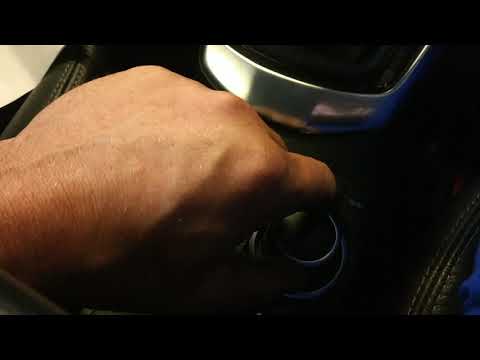
In this tutorial we can see how to reset the service in the Mazda 2, an extremely simple and fast operation, to be carried out only once all scheduled maintenance work has been completed. Let's start by going inside the cabin, then insert the key and turn on the instrument panel. Next, we reach the general menu on the main display, enter "Applications", "Vehicle status monitor", "Maintenance", and select the service we want to reset. We then reset using the appropriate option and restart the vehicle.
Posted on 16 May 2024 by ScegliAuto
Video tutorial
Related tutorials
Mazda 2
(2022-2026 /
Xp210)
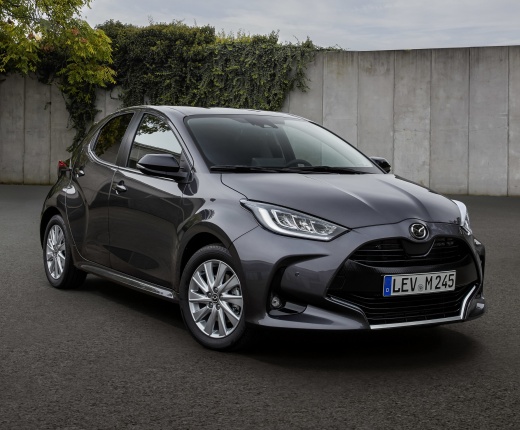
Resetting the service in the Mazda 2, as we can see in this tutorial, is an extremely simple and quick operation. Before proceeding, we must have com…

Mazda 2
(2014-2023 /
MK 3, DJ)
.. In this tutorial, we can see how to reset the service in the Mazda 2, an extremely simple and quick operation, to be carried out only.. …
Mazda 2
(2014-2023 /
MK 3, DJ)
.. In this tutorial we can see how to reset the service in the Mazda 2, an extremely simple and fast operation, to be carried out only.. …
Other guides you may be interested in
|
How to Install Roof Bars on a Fiat 500L
Learn how to fit universal roof bars on a Fiat 500L. These bars are used on vehicles with or without roof rails. Assemble the roof bar kit (as shown in the video) with bars adjusted to the width of the vehicle (measure with a tape measure). Position the brackets at both ends of the doors on the vehicle's original roof rails. Once the anchoring bracket width is set, tighten the bolts with a butterfly nut (if a lock is present) until fully secured to the roof rails. Fit safety caps on both sides. by ScegliAuto More videos
|
|
For advertising on this site Write to info@scegliauto.com
ScegliAuto is not responsible for any inaccuracy of the data in the lists. To report any inaccuracy or your business (if you own the business in question), please write to info@scegliauto.com
Number of seconds to generate the page: 0.128
(c) ScegliAuto 2026 - info@scegliauto.com - Privacy policy VAT number: IT01247470535 |
