
|
Do it yourself
| |||
| ||||


How do you replace the Becker Map Pilot module on the Mercedes C-Class?
Model: Mercedes Classe C
W204
- Years 2007-2013
In order to replace the Becker Map Pilot module on the Mercedes C-Class, you need to open the glove compartment on the passenger side: at the top of the compartment, you will find the panel covering the module. By removing this panel, you can slide out the module inside, disconnecting it from the appropriate connector; once this module has been removed, you can place the new one inside its slot. Finally, you can reconnect the new module and cover everything with the panel, checking its functionality.
Posted on 29 December 2024 by ScegliAuto
Video tutorial
Related tutorials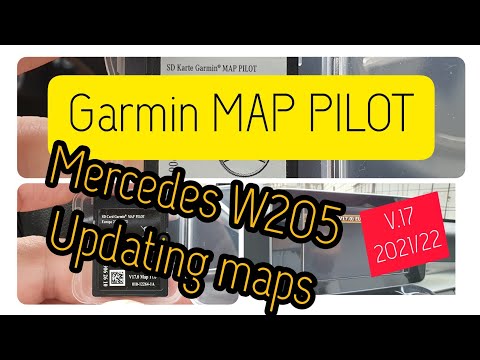
Mercedes Classe C
(2014-2021 /
W205)
.. Garmin Map Pilot system in the Mercedes-Benz C-Class W205. First, get in the vehicle and turn on the ignition; then, download the update from the Mercedes.. …
Mercedes Classe C
(2007-2013 /
W204)
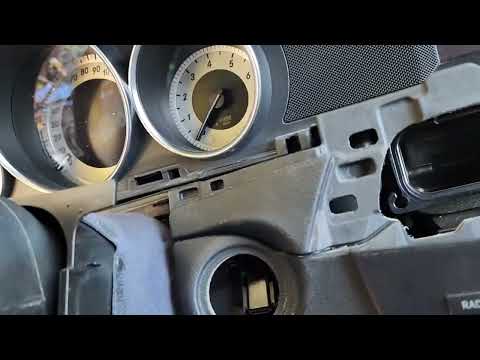
.. cylinder or EIS module of the Mercedes C-Class. First, get inside the vehicle and start by detaching the plastic cover located behind the steering.. …

Mercedes Classe C
(2007-2013 /
W204)
Today we will explain how to remove the Becker Nav from the 2013 Mercedes CLE Coupe in a simple and fast way, but above all independently. To carry o…
Other guides you may be interested in
|
How to Set the Clock on the Opel Zafira
Setting the clock to the current Italian time on an Opel Zafira model B is a very simple operation, also made easier by our short instructional video. The first step is to turn on the instrument panel and then press the SETTING button located on the central dashboard. Once inside the menu, use the buttons to navigate to the clock setting. Adjust the hours and minutes and restart the instrument panel. If the clock does not update, it may be necessary to diagnose the radio or the vehicle's control unit. by ScegliAuto More videos
|

|
For advertising on this site Write to info@scegliauto.com
ScegliAuto is not responsible for any inaccuracy of the data in the lists. To report any inaccuracy or your business (if you own the business in question), please write to info@scegliauto.com
Number of seconds to generate the page: 0.053
(c) ScegliAuto 2026 - info@scegliauto.com - Privacy policy VAT number: IT01247470535 |
