
|
Do it yourself
| |||
| ||||



How to Reset the Service Light on a 2018 Mercedes C-Class 220D
Model: Mercedes Classe C
W205
- Years:
2014, 2015, 2016, 2017, 2018, 2019, 2020, 2021
Video tutorial
In this video, you can see how to reset the maintenance light on a 2018 Mercedes C-Class 220D. The procedure is simple and quick, requiring no special tools or software. First, start the vehicle's instrument cluster. Then, press the button to access the menu. Use the button to navigate through the menu until you reach 'Assyst Plus' and select it. Next, choose 'Full Service' and confirm by selecting 'Confirm Service.' Select the type of oil used, and then confirm again. Once confirmed, the reset will occur. After the reset, restart the cluster to verify that the procedure was successful and that the maintenance light is no longer present.
Updated on 29 September 2026 by ScegliAuto
Related tutorials
Mercedes Classe C
(2014-2021 /
W205)
.. and replace the timing chain of the Mercedes C-Class 220D. To access the timing chain, it is necessary to remove the cylinder head cover by disconnecting.. …
Mercedes Classe C
(2014-2021 /
W205)
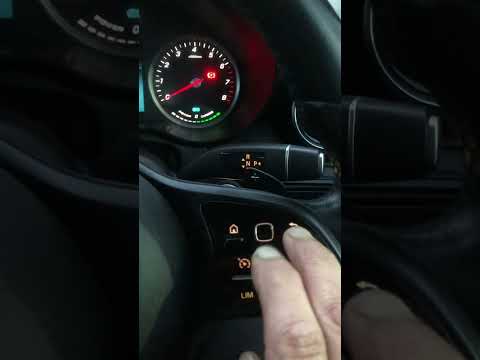
Hello, today’s goal is to reset the "Service" light on our Mercedes C-Class. Start by sitting in the driver’s seat, then turn on the ignition by pres…

Mercedes Classe C
(2007-2013 /
W204)
After performing the maintenance, you will need to reset the service light on the Mercedes C-Class model W204. To reset the light, turn on the vehicl…
ScegliAuto offers an extensive international collection of automotive tutorials available in 12 languages. Each guide combines instructional videos with original explanations written by experienced human editors, along with information about the car models covered.
Other guides you may be interested in |
Frequently Asked QuestionsHow to Reset the Tyre Pressure Warning Light in the Suzuki Swift?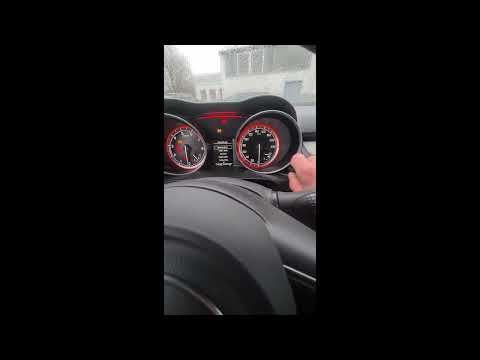
To reset the tyre pressure warning light in the Suzuki Swift, turn on the ignition, then navigate through the menu using the button located on the right side: this button should be rotated to locate the options displayed. You will need to select the option indicating tyre pressure and then select the "Reset" option: this way, the sensors will read the new tyre pressure values. If the tyres have been inflated to the correct pressure, the light will turn off automatically. by ScegliAuto More videos
|
|
For advertising on this site Write to info@scegliauto.com
ScegliAuto is not responsible for any inaccuracy of the data in the lists. To report any inaccuracy or your business (if you own the business in question), please write to info@scegliauto.com
Number of seconds to generate the page: 0.016
(c) ScegliAuto 2026 - info@scegliauto.com - Privacy policy - About us VAT number: IT01247470535 |
