
|
Do it yourself
| |||
| ||||



How to Remove the Navigator from a Mercedes A-Class
Model: Mercedes Classe A
W169
- Years:
2004, 2005, 2006, 2007, 2008, 2009, 2010, 2011, 2012
Video tutorial
How do we remove the original navigator or stereo from our Mercedes? Let's see in this video how to proceed with the various disassembly operations. The first thing to do: use a plastic trim tool to remove the air conditioning vents above the stereo, as shown in the video (leveraging the plastics). Unscrew the screws around the navigator with a screwdriver and disconnect the power connectors, being careful not to cut them. If we are installing the original stereo, the same cables will work; otherwise, an adapter is needed for the connection. During the installation phase, work in reverse order.
Updated on 25 February 2026 by ScegliAuto
Related tutorials
Mercedes Classe A
(2012-2018 /
W176)
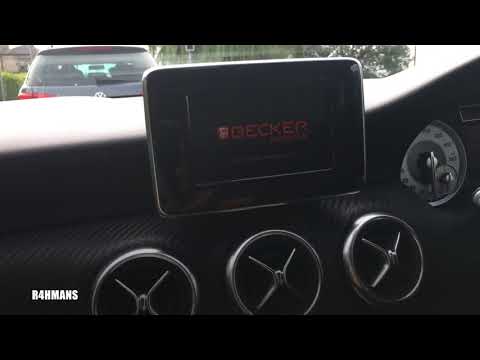
.. radio display navigator from your Mercedes A-Class? Follow this video for the correct disassembly procedure. Using a thin screwdriver or suitable.. …
Mercedes Classe A
(2012-2018 /
W176)
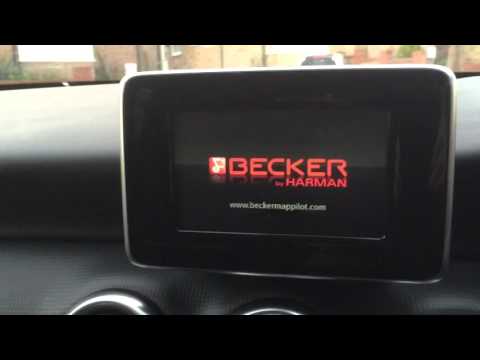
.. Becker MAP PILOT navigator on the Mercedes A-Class. This operation is very simple. Enter the vehicle, turn on the instrument cluster with the key.. …
Mercedes Classe A
(2012-2018 /
W176)
.. MAP PILOT navigation card found in a Mercedes A-Class. This operation is very simple: enter the vehicle, turn on the instrument cluster with the remote.. …
Other guides you may be interested in
|
How to Set the Time on an Audi A6
Briefly, we will see the instructions to set the time on the Audi A6 by following these simple steps. First, get inside the vehicle and turn on the instrument cluster; then press the settings button and navigate to the time option to confirm your choice, as shown in the video. At this point, set the correct time and format, then exit the settings menu to save the changes made; finally, start the engine and ensure that the time has been set correctly! by ScegliAuto More videos
|
|
For advertising on this site Write to info@scegliauto.com
ScegliAuto is not responsible for any inaccuracy of the data in the lists. To report any inaccuracy or your business (if you own the business in question), please write to info@scegliauto.com
Number of seconds to generate the page: 0.015
(c) ScegliAuto 2026 - info@scegliauto.com - Privacy policy VAT number: IT01247470535 |
