
|
Do it yourself
| |||
| ||||


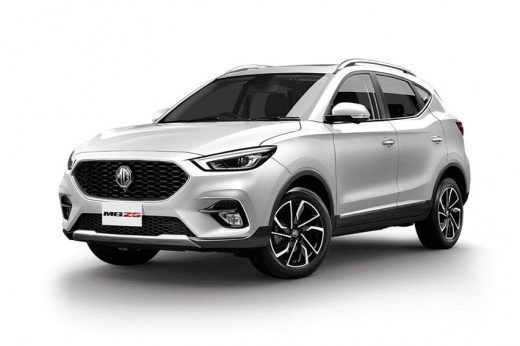
How do you reset the tire pressure warning light on the MG ZS?
Model: MG ZS
Zs11
- Years 2017-2024
The tire pressure warning light reset on the MG ZS is done by first inflating the tires to the correct pressure value: this value will be indicated on the sticker attached to the driver's side door pillar. Once all the tires have been properly inflated, you can turn on the instrument panel and navigate through the menu to find the option indicating tire pressure: if this screen shows the new values, the warning light will be reset, otherwise you will need to drive for a few kilometers so that the sensors can read the new pressure values.
Posted on 5 May 2025 by ScegliAuto
Video tutorial
Related tutorials
MG ZS
(2017-2024 /
Zs11)
Below you will find information on how to correctly reset the tire pressure warning light in the MG ZS. The steps are very simple and quick. As advis…

MG ZS
(2017-2024 /
Zs11)
It will be possible to completely remove the Service light from the instrument panel of the MG ZS by inflating the tires until they are brought back …

MG ZS
(2017-2024 /
Zs11)
It will be possible to reset the Service light that is displayed on the instrument panel of the MG ZS by connecting a diagnostic tool to the vehicle'…
Other guides you may be interested in
|
Resetting the Service on the Fiat 500X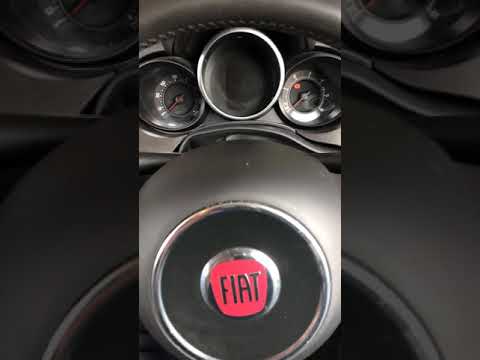
Resetting the service on a Fiat 500X? Let's see how to reset it from inside the car. Enter the cabin and turn on the instrument cluster using the button next to the steering wheel. Press the accelerator pedal three times in quick succession, then release the pedal, turn off the instrument cluster, and then turn it back on, waiting for it to illuminate. Always remember to make changes to the onboard computer with the engine off. Check the changes made on the car. Turn off the instrument cluster after setting. by ScegliAuto More videos
|
|
For advertising on this site Write to info@scegliauto.com
ScegliAuto is not responsible for any inaccuracy of the data in the lists. To report any inaccuracy or your business (if you own the business in question), please write to info@scegliauto.com
Number of seconds to generate the page: 0.048
(c) ScegliAuto 2026 - info@scegliauto.com - Privacy policy VAT number: IT01247470535 |
