
|
Do it yourself
| |||
| ||||



How to Reset the Service Light on an MG Gloster
Model: MG Gloster
MK 1
- Years:
2017, 2018, 2019, 2020, 2021, 2022, 2023, 2024
Video tutorial
To reset the maintenance light on an MG Gloster, connect the vehicle to a diagnostic computer. After connecting the two devices, access the diagnostics by entering the car model and the year of manufacture. Select F 1513 to access the service. Enter the mileage for the next maintenance interval and wait for the mileage to load. At the end of the procedure, disconnect the device from the OBD port to restart the vehicle. If further issues arise, it may be necessary to check the oil tank sensors.
Posted on 29 August 2026 by ScegliAuto
Related tutorials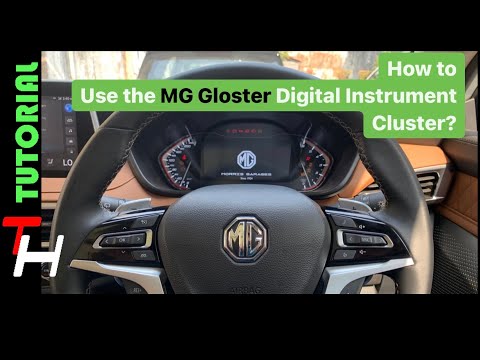
MG Gloster
(2017-2024 /
MK 1)
To use the onboard computer of the MG Gloster, insert the ignition key into the ignition switch to power on the instrument cluster. Once it is on, yo…
MG Gloster
(2017-2024 /
MK 1)
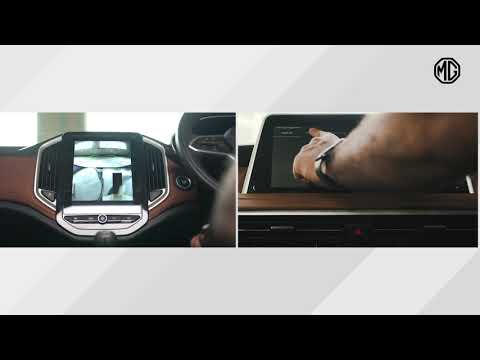
If the infotainment system in your MG Gloster shows software errors, you can easily resolve them with a simple forced reset procedure. First, turn on…
MG Gloster
(2017-2024 /
MK 1)
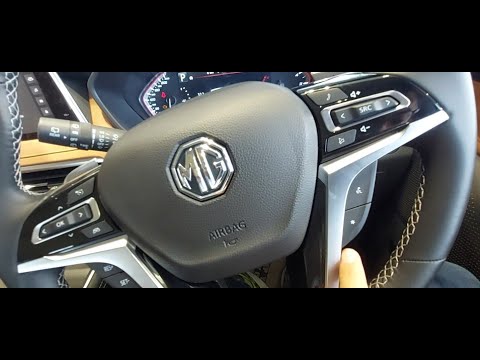
In this video tutorial, you will discover the main features of the MG Gloster SUV. First, open the front door of your vehicle and get inside. Startin…
ScegliAuto offers an extensive international collection of automotive tutorials available in 12 languages. Each guide combines instructional videos with original explanations written by experienced human editors, along with information about the car models covered.
Other guides you may be interested in |
How to Reset the Tyre Pressure Light on the Hyundai i20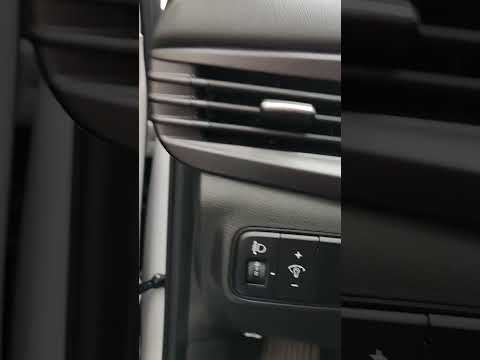
These brief instructions will show you how to reset the tyre pressure monitoring system (TPMS) light on the Hyundai i20. Before performing the reset, ensure that all four tyres are at the correct operating pressure. Then, get inside the cabin and turn on the ignition. Now, press and hold the TPMS reset button located on the left side of the driver's seat until the tyre pressure light resets on the instrument panel, as shown in the video. At this point, turn off the ignition and start the engine to complete the process! by ScegliAuto More videos
|
|
For advertising on this site Write to info@scegliauto.com
ScegliAuto is not responsible for any inaccuracy of the data in the lists. To report any inaccuracy or your business (if you own the business in question), please write to info@scegliauto.com
Number of seconds to generate the page: 0.010
(c) ScegliAuto 2026 - info@scegliauto.com - Privacy policy - About us VAT number: IT01247470535 |
