
|
Do it yourself
| |||
| ||||


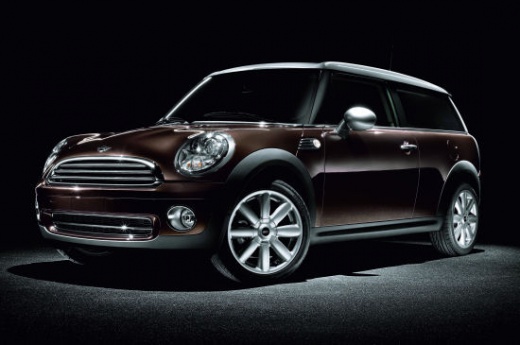
How to Replace the Headlight Bulb in a Mini Cooper R56?
Model: Mini Mini
R57, R56, R55
- Years:
2007, 2008, 2009, 2010, 2011, 2012, 2013, 2014
Video tutorial
You can confidently say that performing this task is quite simple and can be done by anyone; there is no need to go to a garage. The replacement of the bulb in question, in this case, performed in the front headlight, requires unscrewing a cap located in the wheel arch to easily access a second cap, which is for the headlight unit. Once this is removed, extract the bulb holder and pull out the burnt bulb, then follow the reverse procedure to reassemble everything and perfectly complete the job.
Updated on 23 October 2026 by ScegliAuto
Related tutorials
Mini
(2007-2014 /
R57, R56, R55)
Before starting, open the front bonnet of your Mini Cooper. Begin by unscrewing and removing the bolts that secure the front headlamp to the vehicle.…

Mini
(2007-2014 /
R57, R56, R55)
The engine air filter in your Mini Cooper R56 is a very important component, and you should replace it periodically to maintain the health of the eng…
Mini
(2007-2014 /
R57, R56, R55)
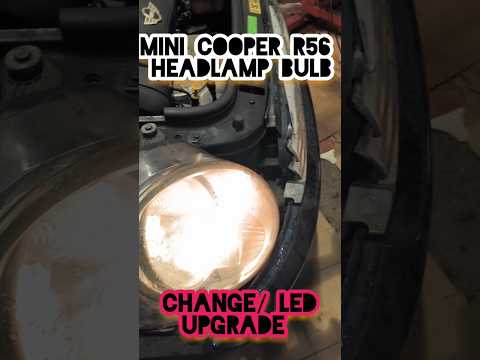
If you own a Mini Cooper R56 and want to learn how to replace the headlamp bulb, follow the steps outlined in this guide. First, lift the bonnet to a…
Other guides you may be interested in
|
How to Reset the Tyre Pressure Warning Light on the Opel Mokka?
To reset the tyre pressure warning light on the Opel Mokka, turn on the ignition by inserting the key into the ignition switch. Once the ignition is on, navigate through the menu that appears on the dashboard by pressing the MENU button on the lever to the left of the steering wheel. When the tyre pressure option appears, press and hold the SET/CLR button located on the same lever. This will reset the warning light, and you can then turn off the ignition. by ScegliAuto More videos
|
|
For advertising on this site Write to info@scegliauto.com
ScegliAuto is not responsible for any inaccuracy of the data in the lists. To report any inaccuracy or your business (if you own the business in question), please write to info@scegliauto.com
Number of seconds to generate the page: 0.086
(c) ScegliAuto 2026 - info@scegliauto.com - Privacy policy VAT number: IT01247470535 |
