
|
Do it yourself
| |||
| ||||


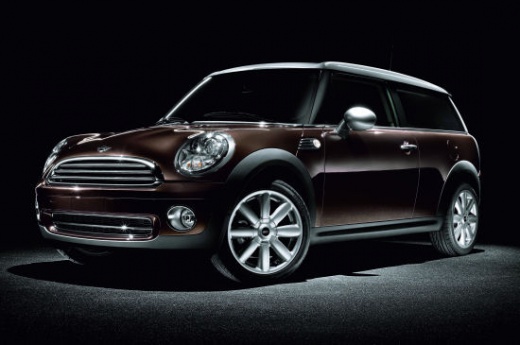
How to connect the phone to the Bluetooth of the Mini Cooper R56
Model: Mini Mini
R57, R56, R55
- Years:
2007, 2008, 2009, 2010, 2011, 2012, 2013, 2014
Video tutorial
Today we will explain how to connect your phone's Bluetooth to your car's Bluetooth; specifically, we will talk about how to do this on a Mini Cooper model r56. To perform this operation, we need to turn on the car's instrument panel and the radio, then press the menu button to access the settings. Rotate the volume knob to select the Bluetooth option. Turn on the phone's Bluetooth and wait for the connection to be established. If the connection fails, it may be necessary to restart the instrument panel or enter the connection code found in the instruction manual or on the display at the time of connecting the two devices.
Posted on 28 March 2025 by ScegliAuto
Related tutorials
Mini
(2007-2014 /
R57, R56, R55)
Today we will explain how to connect our 2013 Mini Cooper to the phone using Bluetooth. Turn on the ignition and press the menu button on the onboard…

Mini
(2014-2023 /
F55, F54, F56, F57)
Today we will explain how to activate Bluetooth on the 2015 Mini Cooper to connect your phone to the onboard computer. First, enable Bluetooth on you…
Mini
(2007-2014 /
R57, R56, R55)
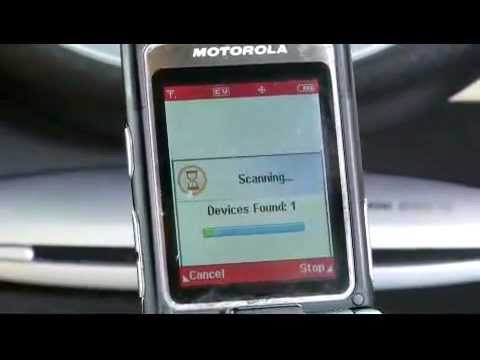
Some car radios allow you to connect your mobile phone via a wireless Bluetooth connection to use the speakers as a hands-free system. To connect, yo…
Other guides you may be interested in |
How to Activate the Automatic Folding and Unfolding of the Wing Mirrors on the Jeep Compass
Follow these brief instructions to activate the automatic folding and unfolding of the external wing mirrors on the Jeep Compass. First, get inside the vehicle and turn on the ignition; then press the button located beneath the mirror glass adjustment to electrically open the mirror, as shown in the video. Pressing the button in the opposite direction will close the mirrors; by holding the button, the mirrors will open and close automatically! by ScegliAuto More videos
|
|
For advertising on this site Write to info@scegliauto.com
ScegliAuto is not responsible for any inaccuracy of the data in the lists. To report any inaccuracy or your business (if you own the business in question), please write to info@scegliauto.com
Number of seconds to generate the page: 0.015
(c) ScegliAuto 2026 - info@scegliauto.com - Privacy policy VAT number: IT01247470535 |
