
|
Do it yourself
| |||
| ||||


How do you reset the brake wear indicator light on the Mini?
Model: Mini Mini
R55, R57, R56
- Years 2007-2014
It will be possible to reset the brake wear indicator light that appears on the instrument panel of the Mini Cooper by inserting the ignition key into the corresponding slot: once the instrument panel is turned on, you can navigate through the menu on the instrument panel by repeatedly pressing the BC button. When the "CHECK-INFO" option appears, you must hold down the button and then scroll again: once the voice related to brake pad wear is displayed, you must press the button again to make the light disappear.
Posted on 16 November 2025 by ScegliAuto
Video tutorial
Related tutorials
Mini
(2007-2014 /
R55, R57, R56)
Let's see the instructions on how to reset the brake wear indicator light on the Mini Cooper, following these simple steps. It may sometimes be neces…

Mini
(2014-2023 /
F55, F56, F57, F54)
Today's steps will show us how to reset the brake pad wear indicator light on the Mini Cooper; before performing this operation, it is necessary to h…

Mini
(2007-2014 /
R55, R57, R56)
To reset the brake wear indicator light that appears on the Mini's instrument panel, you need to turn on the panel by inserting the ignition key into…
Other guides you may be interested in
|
Remove a Rear Light from a Volkswagen Touran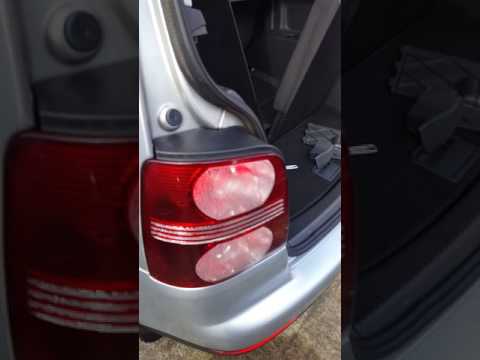
Remove a rear light from a Volkswagen Touran to replace the damaged bulbs. Open the boot lid, and using a lever, remove the plastic cover of the rear light. Unscrew the securing bolts located at the side of the rear light with a screwdriver (using a socket spanner or screwdriver with a bit). Once the light is free from any constraints, detach it from the bodywork (disconnect the relevant power connectors). Replace the damaged bulbs with identical ones in size and voltage. Finally, reassemble the light and reverse the assembly of the other parts. by ScegliAuto More videos
|

|
For advertising on this site Write to info@scegliauto.com
ScegliAuto is not responsible for any inaccuracy of the data in the lists. To report any inaccuracy or your business (if you own the business in question), please write to info@scegliauto.com
Number of seconds to generate the page: 0.097
(c) ScegliAuto 2026 - info@scegliauto.com - Privacy policy VAT number: IT01247470535 |
