
|
Do it yourself
| |||
| ||||



How to reset the service light on a 2014 Mini Cooper
Model: Mini Mini
R56, R57, R55
- Years:
2007, 2008, 2009, 2010, 2011, 2012, 2013, 2014
Video tutorial
Let's see how to reset the service light of the 2014 Mini Cooper without specific tools: turn on the ignition and hold down the "trip/RBC" button located on the left side of the dashboard until the "maintenance menu" appears. Using the same "BC" button, scroll to the "oil" or "service" option. Press and hold the "BC" button again for 5/10 seconds until the "reset" option appears and the counter updates. Exit and check. On some versions of the Mini with iDrive, the procedure may vary slightly, but for the base model, this is definitely the way to go.
Posted on 15 January 2026 by ScegliAuto
Related tutorials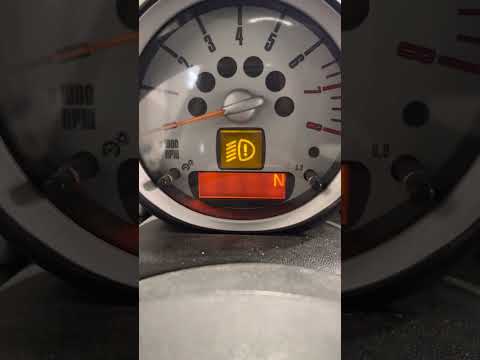
Mini
(2007-2014 /
R56, R57, R55)
Resetting the service light on a Mini Cooper 2 is a very simple operation that you can carry out independently. Just turn on the ignition and then pr…

Mini
(2014-2023 /
F56, F54, F57, F55)
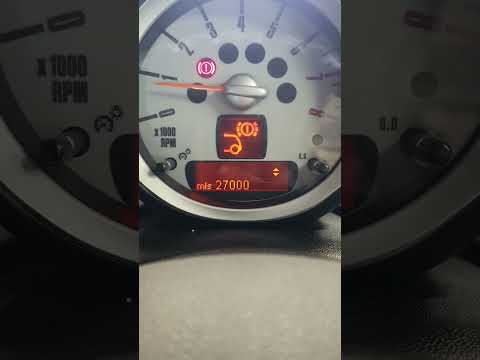
Like all cars, the Mini Cooper also has its maintenance program, detailed in the user manual. The oil change and oil filter replacement are essential…
Mini
(2001-2007 /
R50, R52, R53)
Resetting the service light on a Mini Cooper produced from 2000 to 2010 is a straightforward task that you can perform independently, aided by this b…
Other guides you may be interested in |
How to Reset the EDC Light on a Mercedes Sprinter?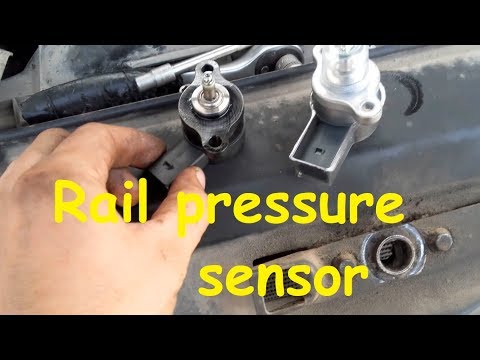
When the EDC light appears on the instrument cluster of a Mercedes Sprinter, it indicates a generic malfunction in the vehicle's injection system. To identify the source of the problem, a diagnosis must be performed at a workshop. This will help identify the damaged component, which will need to be replaced or repaired. Once the issue has been physically addressed, connect a diagnostic tool to the vehicle's OBD port located under the steering column. This will allow you to clear the errors in the ECU, turning off the EDC light. by ScegliAuto More videos
|
|
For advertising on this site Write to info@scegliauto.com
ScegliAuto is not responsible for any inaccuracy of the data in the lists. To report any inaccuracy or your business (if you own the business in question), please write to info@scegliauto.com
Number of seconds to generate the page: 0.015
(c) ScegliAuto 2026 - info@scegliauto.com - Privacy policy VAT number: IT01247470535 |
