
|
Do it yourself
| |||
| ||||



Video tutorial
Let's see how to set the time on a Mini vehicle equipped with the Mini Visual Boost screen: turn on the instrument panel and on the main screen, touch "Menu" (or scroll through the icons if it is an icon-based system). Find and select the "settings" icon, within which you will look for and select "time and date". From here, you can adjust the "time" (12h or 24h format); date (day/month/year); automatic time zone (if supported); GPS synchronisation (if available). Confirm the changes and exit the menu. If your Mini has an active ConnectedDrive service, set the "automatic time setting" option to synchronise via GPS/internet and avoid manual adjustments.
Posted on 6 September 2026 by ScegliAuto
Related tutorials
Mini
(2014-2023 /
F56, F54, F57, F55)
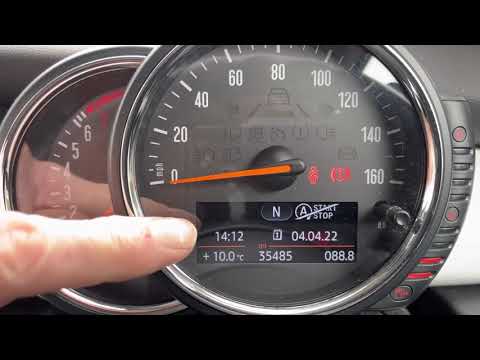
In this tutorial, you will see how to set the time in the Mini Cooper, a very simple and quick operation to perform after disconnecting the battery o…
Mini
(2014-2023 /
F56, F54, F57, F55)
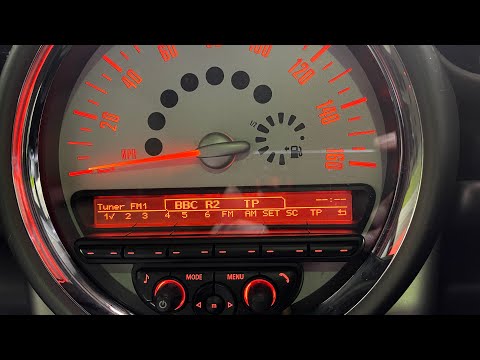
In this tutorial, you will see how to set the time in a Mini Cooper, a very simple and quick operation to perform, for example, after the clock chang…
Mini
(2010-2016 /
Countryman1, R60)
In this tutorial, you will learn how to set the time in the Mini Countryman, a very simple and quick operation to perform, for example, after a time …
Other guides you may be interested in |
How to Open the Bonnet of the Toyota C-HR?
In this tutorial, you will learn how to open the bonnet of the Toyota C-HR, a very simple operation that follows the typical procedure for most vehicles. First, unlock the catches using the remote button, then open the driver's door, locate the lever in the lower left area of the dashboard, and pull it. Next, move to the front of the vehicle, locate the second lever, push it to the left, and simultaneously lift the bonnet. To close it, simply let it drop gently. by ScegliAuto More videos
|
|
For advertising on this site Write to info@scegliauto.com
ScegliAuto is not responsible for any inaccuracy of the data in the lists. To report any inaccuracy or your business (if you own the business in question), please write to info@scegliauto.com
Number of seconds to generate the page: 0.012
(c) ScegliAuto 2026 - info@scegliauto.com - Privacy policy VAT number: IT01247470535 |
