
|
Do it yourself
| |||
| ||||


How to Download the Reset on a Mini One R50
Model: Mini Mini
R53, R50, R52
- Years:
2001, 2002, 2003, 2004, 2005, 2006, 2007
Video tutorial
In this video, we will see how to download the reset on a Mini One R50. First, carry out the various maintenance tasks as shown in the video. Change the oil, ensuring that the old oil is completely removed, and replace it with the new one. Do the same with the oil filter and then the air filter. Next, replace the spark plugs as depicted in the video. Once these tasks are completed, enter the cabin, turn on the ignition, and hold down the knob on the right until the maintenance service message appears. Release the knob and press it again until the reset option appears. Now the service is updated.
Updated on 25 June 2026 by ScegliAuto
Related tutorials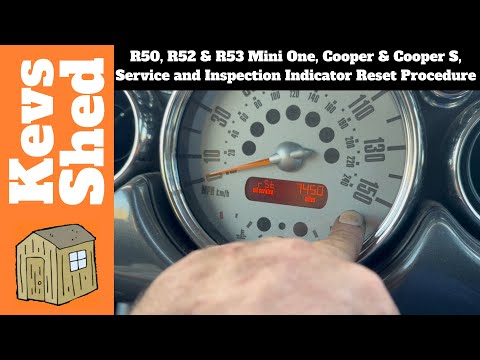
Mini
(2001-2007 /
R53, R50, R52)
To manually complete the reset of the service light on the display of the instrument cluster in your Mini Cooper R50, follow the procedure described …
Mini
(2001-2007 /
R53, R50, R52)
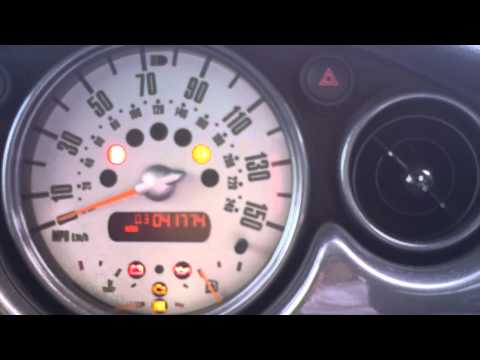
In this brief guide, we will go through the steps to reset the tyre pressure warning light on a Mini Cooper R50; before performing the reset, ensure …

Mini
(2001-2007 /
R53, R50, R52)
On the dashboard of the Mini R50, next to the speedometer, there is a button needed to reset the oil change light. To perform this operation, the ins…
Other guides you may be interested in
|
How to Reset the Tyre Pressure Warning Light on the Opel Mokka?
To reset the tyre pressure warning light on the Opel Mokka, turn on the ignition by inserting the key into the ignition switch. Once the ignition is on, navigate through the menu that appears on the dashboard by pressing the MENU button on the lever to the left of the steering wheel. When the tyre pressure option appears, press and hold the SET/CLR button located on the same lever. This will reset the warning light, and you can then turn off the ignition. by ScegliAuto More videos
|
|
For advertising on this site Write to info@scegliauto.com
ScegliAuto is not responsible for any inaccuracy of the data in the lists. To report any inaccuracy or your business (if you own the business in question), please write to info@scegliauto.com
Number of seconds to generate the page: 0.064
(c) ScegliAuto 2026 - info@scegliauto.com - Privacy policy VAT number: IT01247470535 |
