
|
Do it yourself
| |||
| ||||


Setting the time on the Mini Countryman.
Model: Mini Mini
Countryman1, R60
- Years 2010-2016
Thanks to today's very short video guide, we can see the entire procedure necessary to modify the on-board computer time on our Mini Countryman, a first-generation model produced from 2010 to 2016. First, we need to turn on the vehicle's ignition, then we rotate the knob located on the center console to select the settings option on the central display. Once we have done this, we select the date and time option, again using the knob, and finally select the time option to be able to modify it using the same knob.
Posted on 21 April 2023 by ScegliAuto
Video tutorial
Related tutorials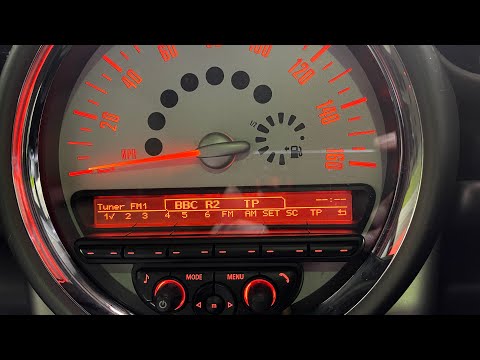
Mini
(2010-2016 /
Countryman1, R60)
In this tutorial we can see how to adjust the time in the Mini Countryman, a very simple and quick operation, to be carried out for example after cha…
Mini
(2017-2023 /
F60, Countryman2)
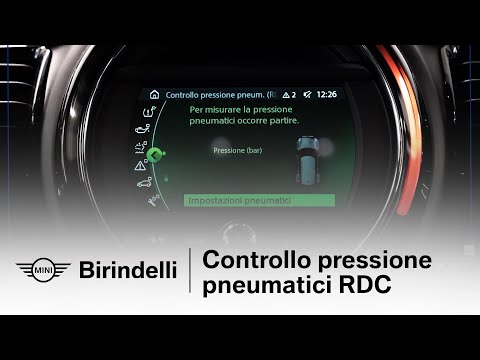
In today's video, we will see how to reset the RDC system (which is related to tire pressure control) in the Mini. F55, F56, F57, and F60 are the fou…
Mini
(2010-2016 /
Countryman1, R60)
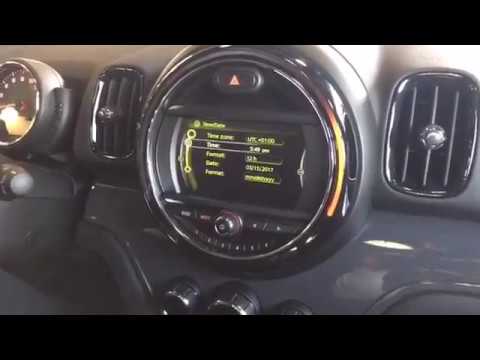
In this tutorial we can see how to set the time in the Mini Countryman, a very simple and quick operation, to be carried out after being left with th…
Other guides you may be interested in |
How to Clean the Injectors on BMW 3 Series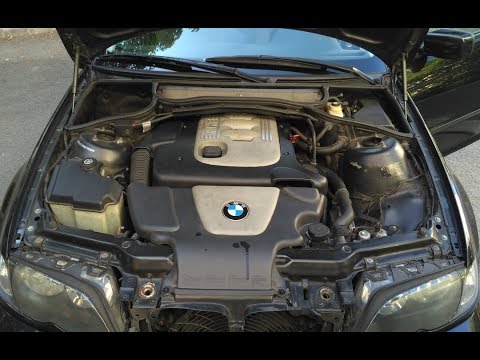
Let's see how to clean the injectors on BMW 3 Series with the appropriate cleaning kit. Lift the hood and secure it with the prop rod, then disconnect the fuel supply hose that leads to the injectors. Connect the pressure gauge and the cleaning kit to the fuel lines; start running the cleaning fluid from the previously connected kit through the fuel lines of the injectors (repeat this process several times). Disconnect everything and start the engine. Reinstall the fuel line leading to the injectors after cleaning them of any dirt and deposits. by ScegliAuto More videos
|

|
For advertising on this site Write to info@scegliauto.com
ScegliAuto is not responsible for any inaccuracy of the data in the lists. To report any inaccuracy or your business (if you own the business in question), please write to info@scegliauto.com
Number of seconds to generate the page: 0.046
(c) ScegliAuto 2026 - info@scegliauto.com - Privacy policy VAT number: IT01247470535 |
