
|
Do it yourself
| |||
| ||||


How to reset the TPMS on the Mini One
Model: Mini Mini
R55, R57, R56
- Years 2007-2014
In this video we can see how to reset the tire pressure on a Mini One: we will use the lever for the side turn signals, located on the left side of the steering wheel: at the end of the lever there are buttons that we will need to press and hold until the message "set information" is displayed on the screen. We wait for a moment and then press and continue to hold down again until the message "reset" is displayed; of course, we must make sure to have inflated the tires to the correct pressure before doing this. We continue to hold down the button until we see a small check mark and then the reset will be done.
Posted on 7 May 2024 by ScegliAuto
Video tutorial
Related tutorials
Mini
(2010-2016 /
R60, Countryman1)
The activation of the TPMS light indicates a possible puncture or pressure loss from one or more tires; in this guide we will see how to reset the ti…

Mini
(2007-2014 /
R55, R57, R56)
Today's information will show us how to reset the tire pressure warning light on the Mini Cooper; before performing the TPMS sensor reset, it is nece…
Mini
(2001-2007 /
R53, R50, R52)
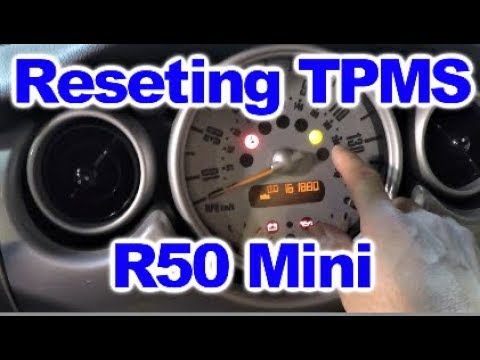
The tire pressure warning light activates when the vehicle's TPMS system detects one or more abnormalities in tire pressure; let's briefly see how to…
Other guides you may be interested in
|
How to Replace the Door Panels on an Audi A3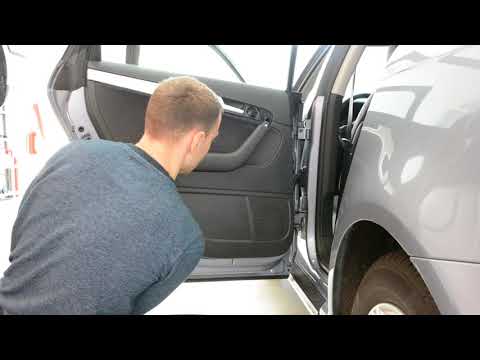
First, open the door in question. Using a plastic trim tool, start lifting the indicated parts in the video, namely the small panel above the armrest, the one near the handle, and the one next to the window switch. This will allow you to unscrew all the bolts behind these panels and proceed to remove the panel by lifting it off the clips that hold it, starting from the bottom. Now, disconnect the connectors at the back, and you're done. Retrace your steps to reassemble the various components. by ScegliAuto More videos
|

|
For advertising on this site Write to info@scegliauto.com
ScegliAuto is not responsible for any inaccuracy of the data in the lists. To report any inaccuracy or your business (if you own the business in question), please write to info@scegliauto.com
Number of seconds to generate the page: 0.069
(c) ScegliAuto 2026 - info@scegliauto.com - Privacy policy VAT number: IT01247470535 |
