
|
Do it yourself
| |||
| ||||


How to reset the brake service light on the Mini Cooper?
Model: Mini Mini
R57, R55, R56
- Years 2007-2014
In this tutorial we can see how to reset the brake service in the Mini Cooper, an extremely simple and quick operation, to be carried out only once all scheduled maintenance work has been completed. Let's start by going inside the cabin, then insert the key and turn on the instrument panel. Then, press the right button on the dashboard to activate the maintenance menu, scroll through the various available services with the "BC" button on the left control lever, and once you have reached the one to be reset, perform the reset by holding down the same button.
Posted on 7 August 2024 by ScegliAuto
Video tutorial
Related tutorials
Mini
(2017-2023 /
Countryman2, F60)
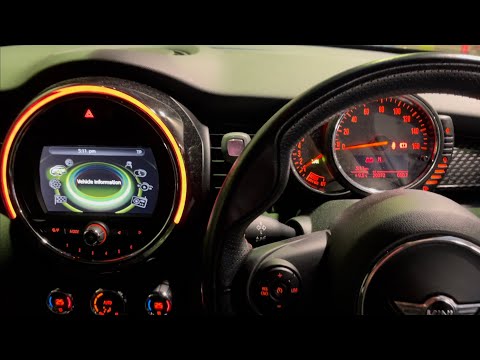
In this tutorial, we can see how to reset the brake service in the Mini Cooper, an extremely simple and quick operation, to be carried out only after…
Mini
(2014-2023 /
F55, F54, F57, F56)
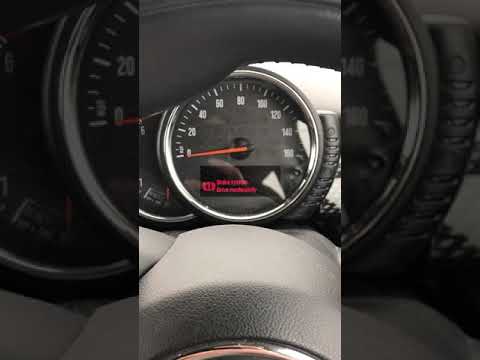
In this tutorial, we can see how to reset the brake service in the Mini Cooper, a very simple and quick operation to be performed only after completi…
Mini
(2017-2023 /
Countryman2, F60)
In this tutorial, we can see how to reset the brake service in the Mini Cooper, an extremely simple and quick operation. Before proceeding, make sure…
Other guides you may be interested in
|
How to Remove the Centre Console on a Renault Kangoo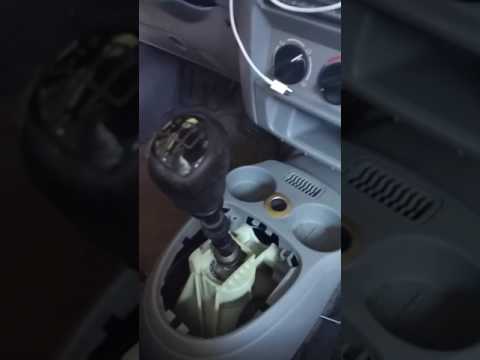
To remove the centre console on a Renault Kangoo, use a plastic lever to pry off the trim located at the bottom of the centre console. Remove the leather gaiter from the gear lever. After removing the gaiter, unscrew the securing screw located at the rear of the centre console (if present). Once this is done, pull the console away and disconnect any power cables. Finally, insert the new part into the centre console space and reassemble all components as they were removed. by ScegliAuto More videos
|

|
For advertising on this site Write to info@scegliauto.com
ScegliAuto is not responsible for any inaccuracy of the data in the lists. To report any inaccuracy or your business (if you own the business in question), please write to info@scegliauto.com
Number of seconds to generate the page: 0.094
(c) ScegliAuto 2026 - info@scegliauto.com - Privacy policy VAT number: IT01247470535 |
