
|
Do it yourself
| |||
| ||||


How to Remove and Refit the Clutch on Mitsubishi Lancer
Model: Mitsubishi Lancer
MK 9
- Years 2007-2020
Here’s how to remove the clutch on a Mitsubishi Lancer. Disconnect the battery terminals to safeguard the vehicle's components. First, lift the car on a column lift to the desired height, then remove the plastic cover panel over the engine (if present at the bottom) using the respective bolts. Remove the front wheels for better access; unscrew the hub bolts with a socket wrench and remove them, drain the oil from the gearbox and keep it for reuse. Locate the gear lever; underneath, there are two bolts that hold the clutch under tension. Remove all clutch components. Prepare to fit the new clutch disc with the associated parts.
Updated on 3 March 2026 by ScegliAuto
Video tutorial
Related tutorials
Mitsubishi Lancer
(2007-2020 /
MK 9)
If you want to access the OBD port of your 2008 Mitsubishi Lancer, simply read this guide and follow the steps described. First, enter the car from t…

Mitsubishi Lancer
Fitting tuning eyelids on front headlights. …
Mitsubishi Lancer
(1995-2000 /
MK 7)
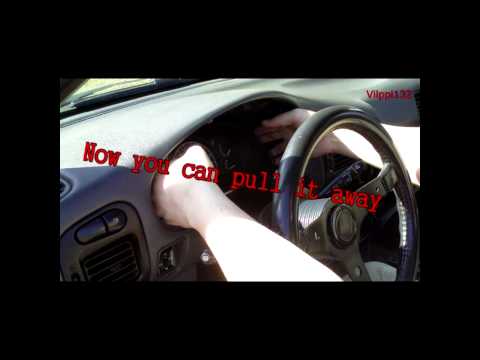
Is the instrument cluster faulty? Let's see how to remove the instrument cluster from a Mitsubishi Lancer. Unscrew the securing screws of the trim ar…
Other guides you may be interested in
|
Fuses Location and Diagram for the Volkswagen Crafter
In this guide, we will look at the location of the fuse boxes and how to find their diagram for the Volkswagen Crafter. First, get inside the vehicle and start by removing the plastic cover found under the steering wheel, to access the internal fuse box; you will find another fuse box in the engine compartment by removing the plastic cover located next to the battery. At this point, use the owner's manual to find the fuse diagram, which will allow you to identify and replace any blown fuses with new ones! by ScegliAuto More videos
|
|
For advertising on this site Write to info@scegliauto.com
ScegliAuto is not responsible for any inaccuracy of the data in the lists. To report any inaccuracy or your business (if you own the business in question), please write to info@scegliauto.com
Number of seconds to generate the page: 0.114
(c) ScegliAuto 2026 - info@scegliauto.com - Privacy policy VAT number: IT01247470535 |
