
|
Do it yourself
| |||
| ||||


Why is the Nissan Rogue remote control no longer recognized?
Model: Nissan Rogue
T32
- Years 2014-2020
If the remote control of our Nissan Rogue is no longer recognized, it is very likely that the battery is completely discharged and therefore needs to be replaced. This is an extremely simple and fast operation, let's see how to proceed in this tutorial. First of all, we extract the emergency metal key by pressing the appropriate button, then we insert the key itself into the indicated slot, lever and separate the two halves of the remote control. At this point, we remove the old battery, insert a replacement CR2032 battery in the correct direction, and reassemble everything.
Posted on 9 December 2024 by ScegliAuto
Video tutorial
Related tutorials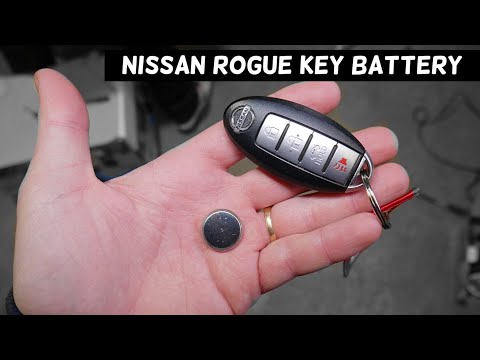
Nissan Rogue
(2008-2015 /
S35)
Discover in this brief and simple guide how to disassemble and replace the battery in the key fob for the Nissan Rogue. First, take your key fob and …
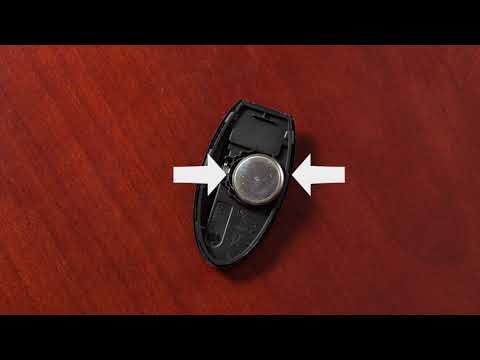
Nissan Rogue
(2014-2020 /
T32)
In this short video, see how to disassemble and replace the battery in the key fob for the Nissan Rogue. First, take your key fob and remove the phys…
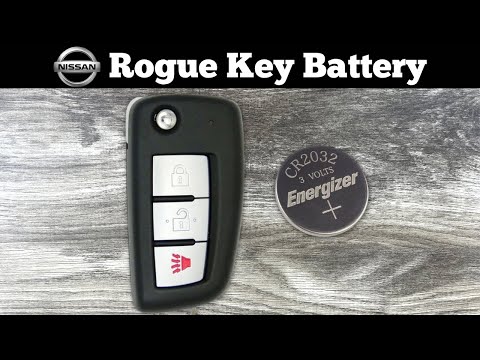
Nissan Rogue
(2014-2020 /
T32)
Replacing the key fob battery in a Nissan Rogue, as shown in this tutorial, is an extremely simple and cost-effective task. To do this, you will need…
Other guides you may be interested in
|
How to reset the tyre pressure warning light on a Hyundai Tucson
Below are the instructions to reset the tyre pressure warning light (TPMS) on a Hyundai Tucson. First, get into the vehicle and turn on the instrument cluster; then navigate to the vehicle settings until you reach the tyre pressure monitor, identifying the tyre with incorrect pressure. At this point, restore all tyre pressures according to the specifications indicated on the label; this will reset the TPMS and the warning light will be cleared from the instrument cluster! by ScegliAuto More videos
|
|
For advertising on this site Write to info@scegliauto.com
ScegliAuto is not responsible for any inaccuracy of the data in the lists. To report any inaccuracy or your business (if you own the business in question), please write to info@scegliauto.com
Number of seconds to generate the page: 0.445
(c) ScegliAuto 2026 - info@scegliauto.com - Privacy policy VAT number: IT01247470535 |
