
|
Do it yourself
| |||
| ||||


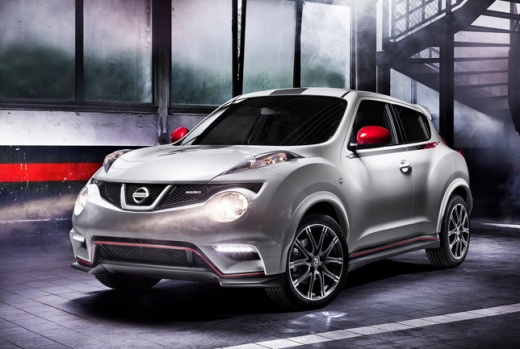
How to Reset the Service Light on a 2012 Nissan Juke?
Model: Nissan Juke
MK 1
- Years:
2010, 2011, 2012, 2013, 2014, 2015, 2016, 2017, 2018, 2019
Video tutorial
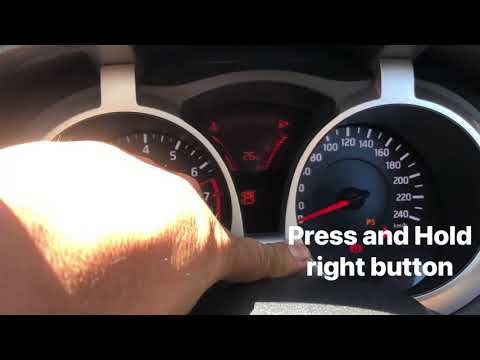
Resetting the service light on the first model of Nissan Juke, produced from 2010 to 2019, is quick and easy. This is done using the two buttons located below the display on the dashboard: these should be held down simultaneously while turning the key to switch on the instrument panel. Do not release them immediately; wait for the messages to start flashing, then use the set button to set the correct maintenance interval. As a final step, turn off and restart the instrument panel to confirm the operation and check that it has been successful.
Posted on 28 October 2026 by ScegliAuto
Related tutorials
Nissan Juke
(2019-2026 /
MK 2)
The Service light that appears on the Nissan Juke instrument panel can be reset by turning on the instrument panel and then moving within the menu us…

Nissan Juke
(2019-2026 /
MK 2)
On the Nissan Juke, you can make the Service light disappear completely by turning on the instrument panel and then moving within the menu using the …
Nissan Juke
(2010-2019 /
MK 1)
To reset the Service light on a Nissan Juke, insert the ignition key into the ignition barrel and turn it to switch on the instrument cluster: once i…
Other guides you may be interested in
|
What does error code 59 indicate on the Opel Meriva B?
Error code 59 appears on the display of the 2012 Opel Meriva B when it is necessary to open and close the driver's side window. To remove the code, simply open and close the window. This code is always followed by error code 60, which indicates the need to open and close the passenger side window. These error codes typically appear after maintenance has been performed on the battery. If the error message continues to display despite reprogramming the windows, visit a workshop as a computer diagnosis may be necessary. by ScegliAuto More videos
|
|
For advertising on this site Write to info@scegliauto.com
ScegliAuto is not responsible for any inaccuracy of the data in the lists. To report any inaccuracy or your business (if you own the business in question), please write to info@scegliauto.com
Number of seconds to generate the page: 0.101
(c) ScegliAuto 2026 - info@scegliauto.com - Privacy policy VAT number: IT01247470535 |
