
|
Do it yourself
| |||
| ||||


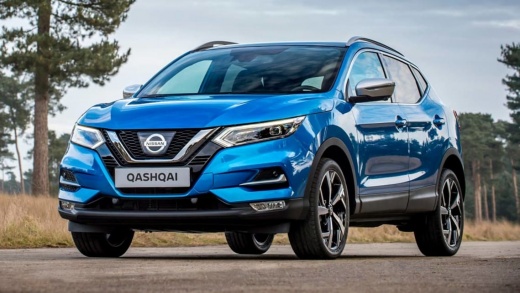
How to Replace the Front Bulb on a Nissan Qashqai
Model: Nissan Qashqai
J11
- Years 2014-2022
Video tutorial
Detailed instructions - Start by opening the bonnet of your Nissan Qashqai. You will now see the headlight housing. Proceed to remove the cover of the fuse box. Next, disconnect the connector attached to the light intensity regulator, then remove it by turning it anti-clockwise by 90 degrees. Once the light intensity regulator is removed, you will have the space needed to take off the bulb cover, also turning it anti-clockwise to extract it. At this point, you will have full access to the bulb that needs replacing. To remove it, turn the connector attached to the bulb anti-clockwise, then pull, and you will have successfully extracted the bulb from its housing. After this, simply disconnect the connector from the bulb itself, and you will have completed the removal. To fit the new bulb, just follow the steps in reverse.
Updated on 22 April 2026 by ScegliAuto
Related tutorials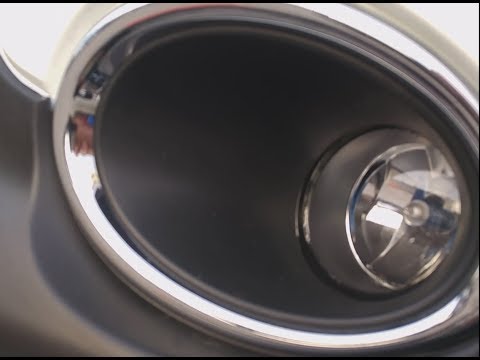
Nissan Qashqai
(2014-2022 /
J11)
Learn how to replace the bulb on a Nissan Qashqai. Start by removing the plastic splash guard on the front wheel with a suitable screwdriver to acces…
Nissan Qashqai
(2014-2022 /
J11)
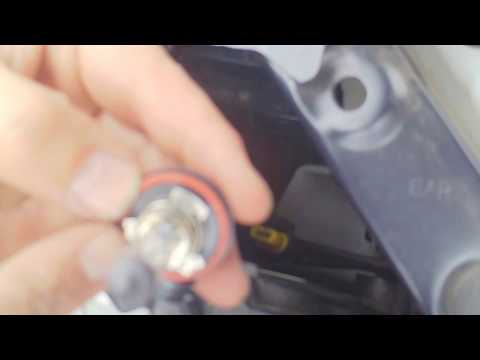
In today's tutorial, see how to remove and replace the front headlamp bulb in a Nissan Qashqai by following these simple steps. First, open the bonne…
Nissan Qashqai
(2006-2014 /
J10)
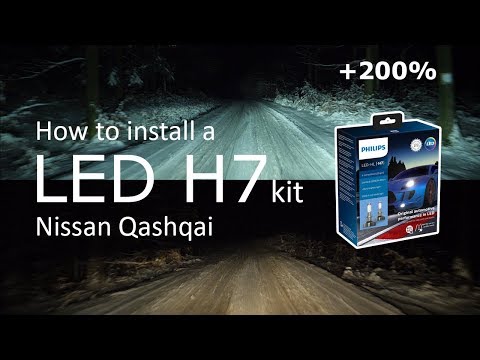
In this brief and simple guide, you will learn how to remove and replace the headlamp bulb on a Nissan Qashqai. First, open the bonnet of your car an…
Other guides you may be interested in
|
How to set the clock on the Vespa 125 Primavera?
To set the clock on the Vespa 125 Primavera, press and hold the black button located just below the black knob on the bike: keep the button pressed until the hour number starts to flash. Once it is flashing, you can change the hours with single presses of the same button; then, by pressing and holding the button again, the hour number will stop flashing and the minute number will start to flash, which can be modified in the same way, confirming the input by holding the button. by ScegliAuto More videos
|
|
For advertising on this site Write to info@scegliauto.com
ScegliAuto is not responsible for any inaccuracy of the data in the lists. To report any inaccuracy or your business (if you own the business in question), please write to info@scegliauto.com
Number of seconds to generate the page: 0.724
(c) ScegliAuto 2026 - info@scegliauto.com - Privacy policy VAT number: IT01247470535 |
