
|
Do it yourself
| |||
| ||||


How to Remove the Car Radio in the Nissan Tiida?
Model: Nissan Tiida Versa
C11
- Years:
2004, 2005, 2006, 2007, 2008, 2009, 2010, 2011
Video tutorial
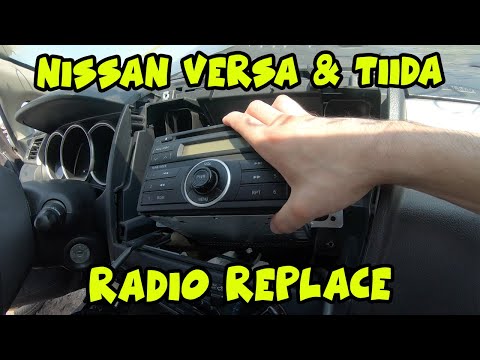
In this tutorial, you will see how to remove the car radio in the Nissan Tiida, a very simple and quick operation. Before proceeding, make sure the key is not inserted for safety. Start by prying off the upper panel with a flathead screwdriver or, preferably, a plastic trim tool. Then, unscrew the two screws that are now exposed and remove the entire central console frame. Once done, you can unscrew the four mounting screws of the radio, pull it out of the housing, and disconnect all the rear connectors.
Updated on 7 June 2026 by ScegliAuto
Related tutorials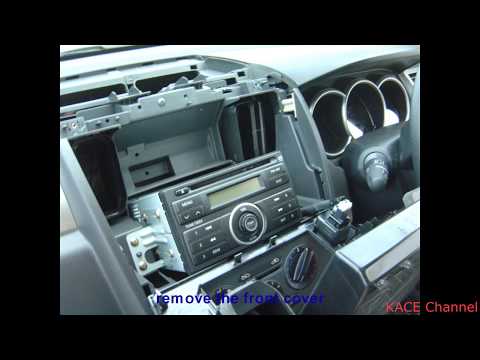
Nissan Tiida Versa
(2004-2011 /
C11)
Today, you will learn how to remove the factory radio from the Nissan Tiida Versa by following the instructions below. First, get inside the vehicle …
Nissan Tiida Versa
(2004-2011 /
C11)
.. In today's video, you will see how to remove the car radio in the Nissan Tiida Versa. First, gather a flathead screwdriver and a Phillips.. …
Nissan Tiida Versa
(2011-2018 /
C12)
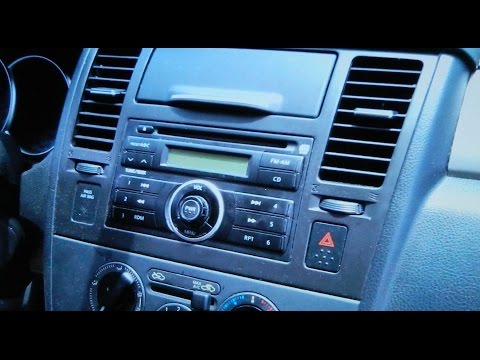
To remove the radio from the vehicle, follow these steps: Sit in the driver's seat, and using a sharp object, pry up the upper panel of the dashboard…
Other guides you may be interested in
|
How to Activate the Cruise Control on the Toyota Yaris?
To activate the cruise control on the Toyota Yaris, start the engine by turning the key in the ignition switch. Once the engine is running, press the accelerator pedal until you reach the desired speed. Then, press the button on the right side of the steering wheel to activate the cruise control. You can also adjust the cruising speed by lifting the switch to increase it and lowering the switch to decrease it. by ScegliAuto More videos
|
|
For advertising on this site Write to info@scegliauto.com
ScegliAuto is not responsible for any inaccuracy of the data in the lists. To report any inaccuracy or your business (if you own the business in question), please write to info@scegliauto.com
Number of seconds to generate the page: 0.135
(c) ScegliAuto 2026 - info@scegliauto.com - Privacy policy VAT number: IT01247470535 |
