
|
Do it yourself
| |||
| ||||


How to reset the service in the Opel Mokka?
Model: Vauxhall Mokka
Mokka A
- Years 2012-2019
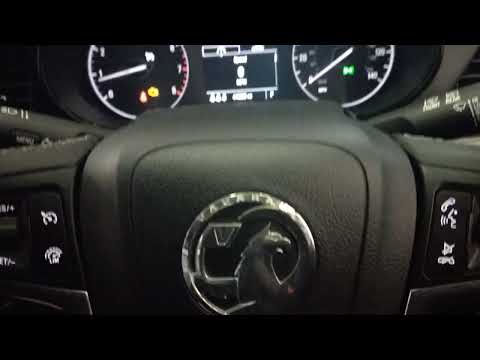
In this tutorial, we will see how to reset the service indicator on the Opel Mokka, a very simple and quick operation that should be performed only after completing all scheduled maintenance tasks. Let's start by entering the cabin, then insert the key and turn on the instrument panel. Next, access the vehicle information menu by pressing the "MENU" button on the left lever, navigate to the remaining oil life using the rotary dial, and perform the reset by pressing the "SET/CLR" button. Finally, restart the vehicle to complete the procedure.
Posted on 29 November 2025 by ScegliAuto
Video tutorial
Related tutorials
Vauxhall Mokka
(2020-2026 /
Mokka B)
In order to reset the Service light of the Opel Mokka, you need to press and hold the button located at the end of the lever on the left side of the …
Vauxhall Mokka
(2012-2019 /
Mokka A)
The operation to reset the Service light on the Opel Mokka involves turning on the instrument panel and then pressing the MENU button located on the …

Vauxhall Mokka
(2020-2026 /
Mokka B)
Resetting the service in the Opel Mokka, as we can see in this tutorial, is an extremely simple and quick operation. Before proceeding, we must have …
Other guides you may be interested in
|
Resetting the Tyre Pressure Light on a Fiat 500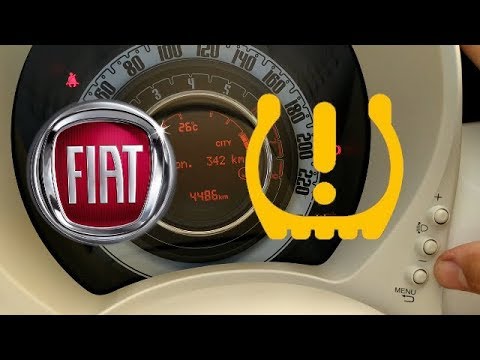
In this brief and simple video tutorial, you will learn how to reset the tyre pressure warning light on a Fiat 500. First, get into your vehicle and navigate to the menu by pressing the appropriate button: go to the tyre pressure option and click again. Then click 'yes' again, and it will automatically perform the procedure to reset the tyre pressure warning light! Remember, before carrying out this operation, check for any faults with the tyres: resolve the issue and then reset the light! by ScegliAuto More videos
|
|
For advertising on this site Write to info@scegliauto.com
ScegliAuto is not responsible for any inaccuracy of the data in the lists. To report any inaccuracy or your business (if you own the business in question), please write to info@scegliauto.com
Number of seconds to generate the page: 0.138
(c) ScegliAuto 2026 - info@scegliauto.com - Privacy policy VAT number: IT01247470535 |
