
|
Do it yourself
| |||
| ||||


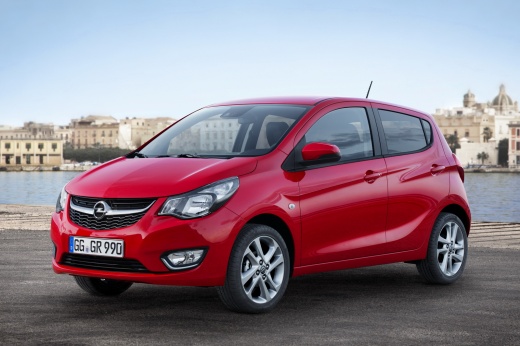
How to reset the tyre light on an Opel Karl
Model: Vauxhall Karl
MK 1
- Years:
2015, 2016, 2017, 2018, 2019
Video tutorial
When the tyre light continues to appear on the display of your Opel Karl's instrument cluster even in the absence of punctures, you need to proceed with a manual reset of the light. Below, we will explain how to do this quickly and safely. First, enter the cabin and turn on the instrument cluster, then press the menu button located on the left stalk of the steering wheel and navigate through the various menu options until you find 'Tire Learn'. At this point, press and hold the button at the end of the left stalk until the reset of the light is complete.
Posted on 27 October 2026 by ScegliAuto
Related tutorials
Vauxhall Karl
(2015-2019 /
MK 1)
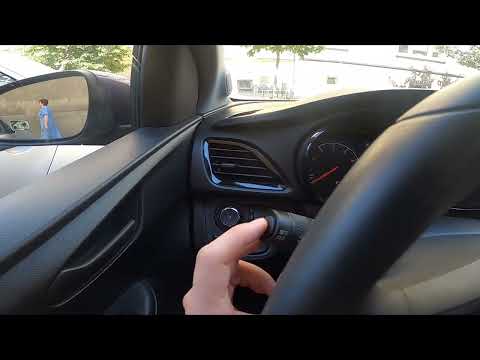
Resetting the tire pressure warning light in the Opel Karl, as we can see in this tutorial, is an extremely simple and quick operation. Before procee…
Vauxhall Karl
(2015-2019 /
MK 1)
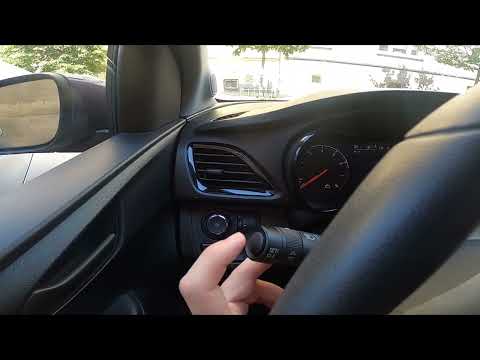
To reset the tyre pressure warning light on the Opel Karl, inflate the tyres to the recommended pressure values: these are indicated on the sticker a…
Vauxhall Karl
(2015-2019 /
MK 1)
If your Opel Karl indicates incorrect tyre pressure, this video provides all the instructions in a few simple steps to reset the warning light and ca…
Other guides you may be interested in
|
How to Remove the Armrest on the Dacia Duster
Today's information will show you the steps to remove and replace the driver's seat armrest on the Dacia Duster. First, access the rear of the vehicle and start lowering the rear hinge of the seat to access the inside of the armrest; then unclip the armrest pin to remove it from the outside, as shown in the video. At this point, carry out the repair or directly replace the entire armrest; secure it properly to the seat and check that it moves up and down without obstruction. by ScegliAuto More videos
|
|
For advertising on this site Write to info@scegliauto.com
ScegliAuto is not responsible for any inaccuracy of the data in the lists. To report any inaccuracy or your business (if you own the business in question), please write to info@scegliauto.com
Number of seconds to generate the page: 0.115
(c) ScegliAuto 2026 - info@scegliauto.com - Privacy policy VAT number: IT01247470535 |
