
|
Do it yourself
| |||
| ||||


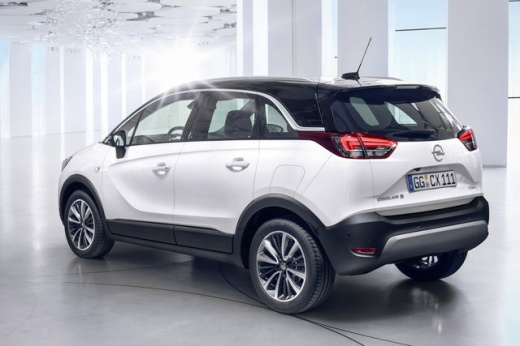
How to reset the service light on the Opel Crossland X?
Model: Vauxhall Crossland X
- Years:
2017, 2018, 2019, 2020, 2021, 2022, 2023, 2024
Video tutorial
In this tutorial, see how to reset the service light on the Opel Crossland X, a very simple and quick operation, to be done only after completing all scheduled maintenance work. First, go inside the cabin, then insert the key but leave it in the initial position. Next, press and hold the "CHECK" button located in the centre of the dashboard, switch on the instrument panel at the same time, and keep the button pressed for the entire duration of the countdown displayed. To complete the procedure, simply restart the vehicle.
Posted on 30 October 2026 by ScegliAuto
Related tutorials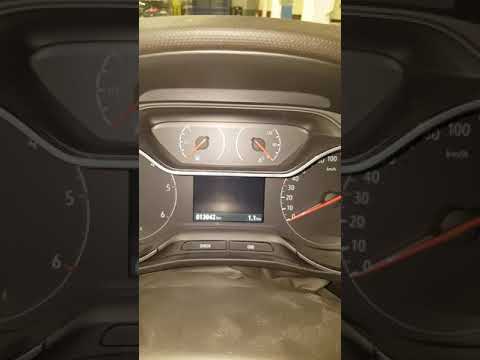
Vauxhall Crossland X
(2017-2024 /
MK 1)
As shown in this tutorial, resetting the service light on an Opel Crossland is an extremely simple and quick operation. Before proceeding, ensure tha…
Vauxhall Crossland X
(2017-2024 /
MK 1)
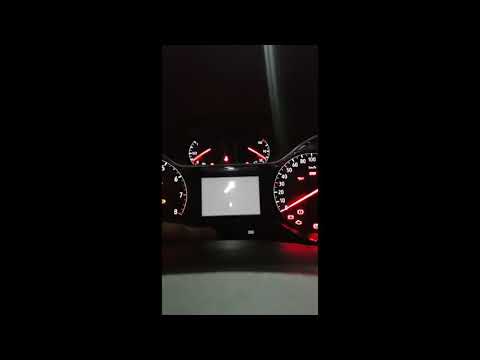
In this tutorial, you will learn how to reset the service light on the Opel Crossland, a very simple and quick operation to perform after completing …

Vauxhall Crossland X
(2017-2024 /
MK 1)
In this tutorial we can see how to reset the service in the Opel Crossland, an extremely simple and quick operation, to be carried out only once all …
Other guides you may be interested in
|
How to Open the Fuel Flap on the Hyundai i30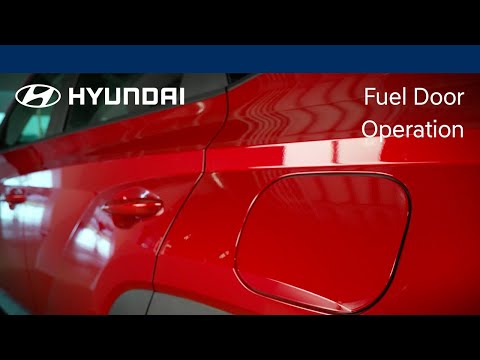
To refuel this car model, follow the simple steps outlined below. First, locate the fuel flap on the left side of the vehicle, just behind the rear wheel. When the vehicle is locked, the flap cannot be opened; once the central locking is released with the remote key, press the flap and it will release. You can then open it, unscrew the fuel cap, and refuel. After completing the operation, close the flap by pressing it back into place. by ScegliAuto More videos
|
|
For advertising on this site Write to info@scegliauto.com
ScegliAuto is not responsible for any inaccuracy of the data in the lists. To report any inaccuracy or your business (if you own the business in question), please write to info@scegliauto.com
Number of seconds to generate the page: 0.073
(c) ScegliAuto 2026 - info@scegliauto.com - Privacy policy VAT number: IT01247470535 |
