
|
Do it yourself
| |||
| ||||


UNABLE TO VIEW THE VIDEO
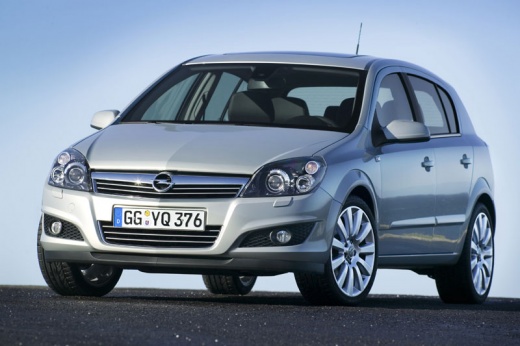
Model: Vauxhall Astra
Astra H
- Years 2004-2010
UNABLE TO VIEW THE VIDEO
UNABLE TO VIEW THE VIDEO UNABLE TO VIEW THE VIDEO UNABLE TO VIEW THE VIDEO UNABLE TO VIEW THE VIDEO UNABLE TO VIEW THE VIDEO UNABLE TO VIEW THE VIDEO UNABLE TO VIEW THE VIDEO UNABLE TO VIEW THE VIDEO UNABLE TO VIEW THE VIDEO UNABLE TO VIEW THE VIDEO UNABLE TO VIEW THE VIDEO UNABLE TO VIEW THE VIDEO UNABLE TO VIEW THE VIDEO UNABLE TO VIEW THE VIDEO UNABLE TO VIEW THE VIDEO UNABLE TO VIEW THE VIDEO
Updated on 8 February 2026 by ScegliAuto
This video is currently unavailable
Related tutorials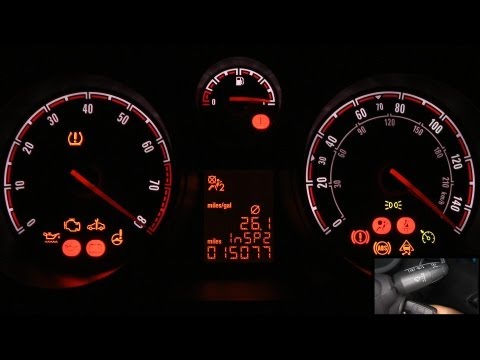
Vauxhall Astra
(2004-2010 /
Astra H)
To reset and access the information on the on-board computer, perform the following steps. Turn the ignition key to the start position to power up th…
Vauxhall Astra
(1998-2006 /
Astra G)
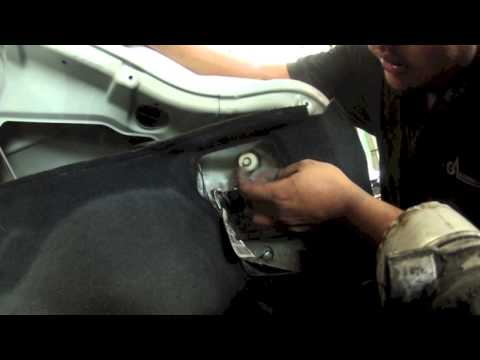
Removing the rear light is very simple and does not require special tools; once the boot is opened, remove the protective carpet located on the side,…
Vauxhall Astra
(2004-2010 /
Astra H)
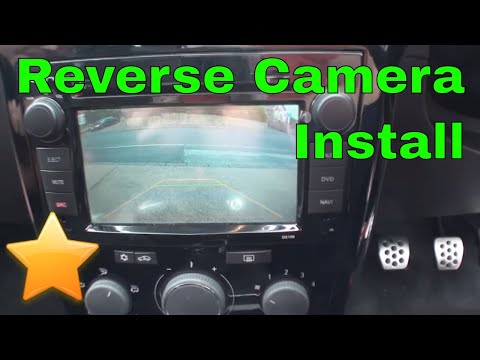
The reversing camera is installed by replacing one of the number plate light holders: the most time-consuming task is routing the cables from the bac…
Other guides you may be interested in |
How to Open the Door of a Golf 7 with a Flat Key Battery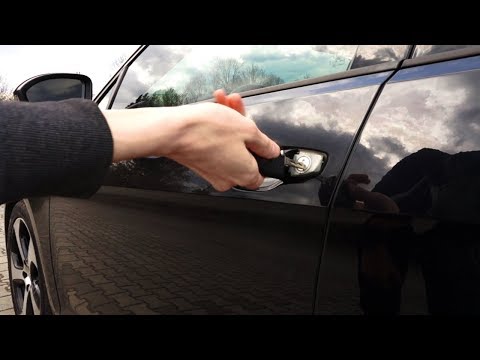
Is the remote key battery of the Golf flat and you don’t know how to open the car? Here’s what to do. Take your remote and press the button to release the metal key. Once extracted, use the key to pry into the space of the handle until the piece detaches. Insert the key into the lock and open the car door. To close the lock: take the cap and press down on the handle until you hear the locking click. Open the remote key and replace the battery. by ScegliAuto More videos
|
|
For advertising on this site Write to info@scegliauto.com
ScegliAuto is not responsible for any inaccuracy of the data in the lists. To report any inaccuracy or your business (if you own the business in question), please write to info@scegliauto.com
Number of seconds to generate the page: 0.049
(c) ScegliAuto 2026 - info@scegliauto.com - Privacy policy VAT number: IT01247470535 |
