
|
Do it yourself
| |||
| ||||


Instructions for Removing Central Console Buttons
Model: Vauxhall Vectra
MK 2, Vectra B
- Years 1995-2002
Removing the buttons from the central console is straightforward as they are simply clipped in place with metal spring tabs. Use a small flathead screwdriver to lever at the bottom, release the fastening tab, and pull the button outwards; repeat this for all other buttons. To reinstall them, align them with their slots and press until they click into place: there is no chance of error as each button has its own fitting and only fits into one of the housings.
Updated on 12 February 2026 by ScegliAuto
Video tutorial
Related tutorials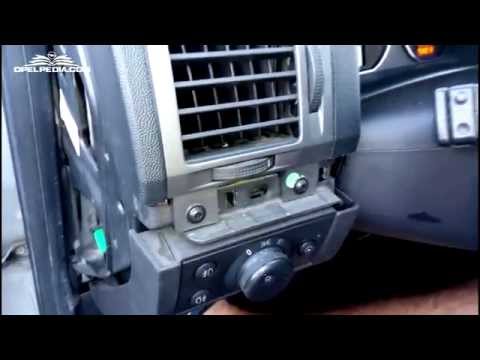
Vauxhall Vectra
(2002-2008 /
Vectra C, MK 3)
To remove the air vent, first remove the side cap of the dashboard, then the trim piece covering the central section of the dashboard; next, unscrew …
Vauxhall Vectra
(2002-2008 /
Vectra C, MK 3)
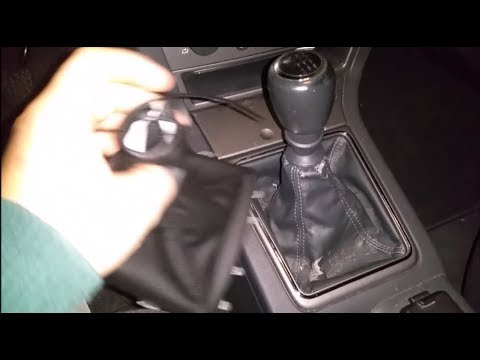
Removing the leather boot covering the gear lever? Easy operation, let's see how to do it. We unhook the frame of the headset from the plastic of the…
Vauxhall Vectra
(2002-2008 /
Vectra C, MK 3)
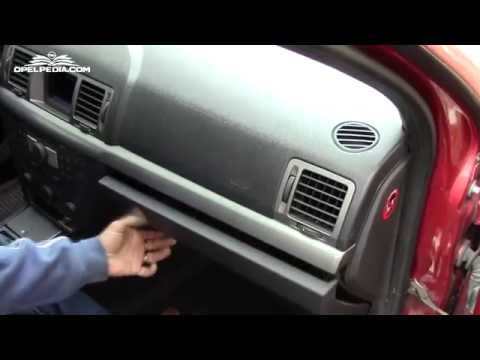
If adjusting the speed of the internal fan does not change the airflow, there may be an issue with either the speed controller or the fan itself. To …
Other guides you may be interested in |
How to Remove the Headlight Bulb on a Honda Civic
Are the front headlight bulbs on your Honda Civic faulty? Follow this instructional video for the disassembly process. Open the bonnet of the engine compartment, remove the inspection caps from the headlights using a screwdriver, detach the bulb holders from the headlight, and disconnect the respective power connectors. Replace the damaged bulbs with new ones of the same size and voltage. After replacing the bulbs, reinstall the bulb holder in the headlight housing. Finally, close the rear of the headlights with the inspection caps. Test the lights to ensure they are functioning correctly. by ScegliAuto More videos
|
|
For advertising on this site Write to info@scegliauto.com
ScegliAuto is not responsible for any inaccuracy of the data in the lists. To report any inaccuracy or your business (if you own the business in question), please write to info@scegliauto.com
Number of seconds to generate the page: 0.042
(c) ScegliAuto 2026 - info@scegliauto.com - Privacy policy VAT number: IT01247470535 |
