
|
Do it yourself
| |||
| ||||


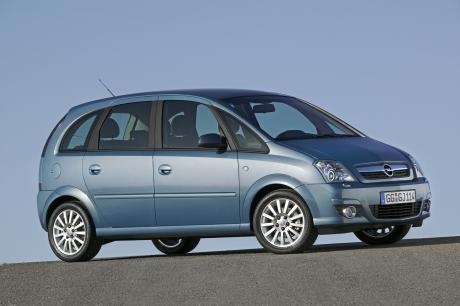
How to Reset the Insp Light on an Opel Meriva
Model: Vauxhall Meriva
Meriva A, MK 1
- Years:
2003, 2004, 2005, 2006, 2007, 2008, 2009, 2010
Video tutorial
When the Insp indicator appears, it means that a periodic service is required for the vehicle. After changing the oil and filter, reset this light as follows: get in the car and ensure all doors are closed; insert the keys into the ignition without doing anything else; now press the button normally used to reset the trip mileage to turn on the display; while holding the reset button, turn the keys until the dashboard lights up. At this point, the InSP indicator will start flashing. Hold for a few seconds (about 10) until the reset is complete. Turn off and then turn on the ignition again to ensure the operation was successful.
Updated on 22 July 2026 by ScegliAuto
Related tutorials
Vauxhall Meriva
(2003-2010 /
Meriva A, MK 1)
If you notice the Insp light appearing on the mini display of the instrument cluster when starting your Opel Meriva Mk1, do not worry as you will fin…
Vauxhall Meriva
(2003-2010 /
Meriva A, MK 1)
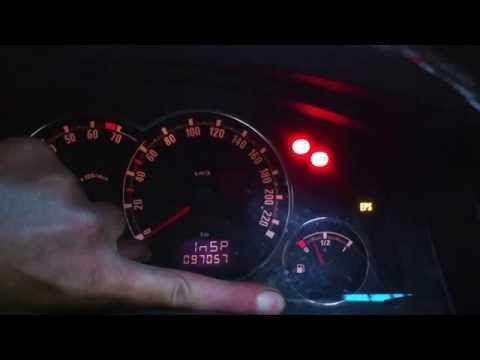
On the 2004 Opel Meriva, the service light appears on the dashboard display not with the usual spanner symbol but with the text "InSP", which stands …
Vauxhall Meriva
(2003-2010 /
Meriva A, MK 1)
Today, you will learn how to reset the service light for the regular oil change maintenance on the Opel Meriva, following the instructions below. Fir…
Other guides you may be interested in
|
Frequently Asked QuestionsHow to Disable the Passenger Airbag in a Mercedes A-Class?
You can disable the passenger airbag in the specified vehicle at your own risk using the vehicle's key. There is a switch next to the steering wheel, on the driver's side, at knee height, through which you can activate and deactivate the airbag. In the video provided, you can clearly see the procedure, noting how the airbag indicator light, along with a message, alerts the driver about the activation or deactivation status. by ScegliAuto More videos
|
|
For advertising on this site Write to info@scegliauto.com
ScegliAuto is not responsible for any inaccuracy of the data in the lists. To report any inaccuracy or your business (if you own the business in question), please write to info@scegliauto.com
Number of seconds to generate the page: 0.151
(c) ScegliAuto 2026 - info@scegliauto.com - Privacy policy VAT number: IT01247470535 |
