
|
Do it yourself
| |||
| ||||


What is the BSI software of Peugeot cars?
Model: Peugeot Peugeot Various
Video tutorial
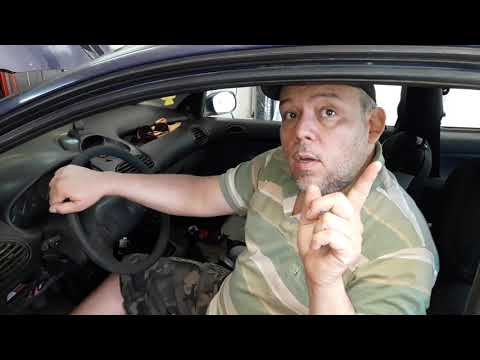
Intelligent Service Unit, this is the meaning of the acronym BSI and refers to Peugeot cars. In Italian, it translates as Intelligent Service Control Unit, and it can be inferred what it is responsible for, namely electronically managing a large part of the functions that the car performs. The software that allows the latter to function may need to be updated, so it is possible to download specific versions via PC and then install them, via cable, to the aforementioned BSI. The procedure, in general, is presented in the attached tutorial video.
Posted on 25 January 2026 by ScegliAuto
Related tutorials
Peugeot Peugeot Various
The BSI control unit installed on board Peugeot vehicles can be reset by connecting a diagnostic tool to the OBD port located on the dashboard just b…
Peugeot Peugeot Various
The BSI unit centralises and processes information from three networks: - CAN HS network: "High-speed line" which includes all ECUs present in the en…

Peugeot Peugeot Various
In order to reset the BSI unit of a Peugeot, you will need to connect a diagnostic tool to the OBD port of the vehicle: this port is located on the d…
Other guides you may be interested in |
How to Activate the Disabled TRC on the Toyota Yaris?
As the video clearly shows, disabling or activating the traction control (TRC or ESP) on the Toyota Yaris is very simple. By default, the traction system activates every time the vehicle is started. To disable it, simply press the button depicting a skidding car located in the centre of the vehicle where the controls are, such as the hazard lights and the radio, but near the handbrake. Once disabled, the TRC off light will illuminate on the dashboard. To reactivate it, just press the same button again. by ScegliAuto More videos
|
|
For advertising on this site Write to info@scegliauto.com
ScegliAuto is not responsible for any inaccuracy of the data in the lists. To report any inaccuracy or your business (if you own the business in question), please write to info@scegliauto.com
Number of seconds to generate the page: 0.013
(c) ScegliAuto 2026 - info@scegliauto.com - Privacy policy VAT number: IT01247470535 |
