
|
Do it yourself
| |||
| ||||


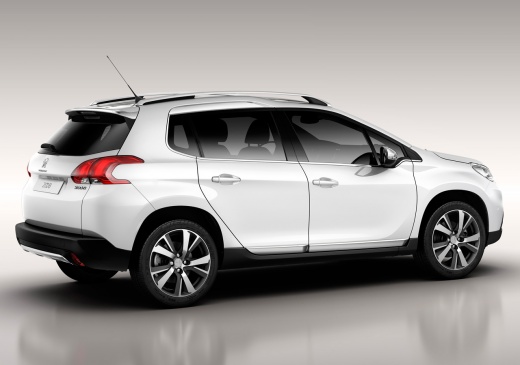
Guide to Removing the Radio Display from the Peugeot 2008
Model: Peugeot 2008
MK 1
- Years:
2013, 2014, 2015, 2016, 2017, 2018, 2019
Video tutorial
In this guide, you will find the main instructions on how to remove and replace the central display of the radio and multimedia system in the Peugeot 2008. First, get inside the vehicle and start by removing the plastic cover found on the side of the display, prying it off at the edges; then unscrew the fixing screws of the display located on the sides, disconnecting the electrical wiring situated at the back to remove the entire unit, as shown in the video. At this point, carry out the repair or replacement of the display, applying the reverse procedure for reassembly!
Posted on 15 October 2026 by ScegliAuto
Related tutorials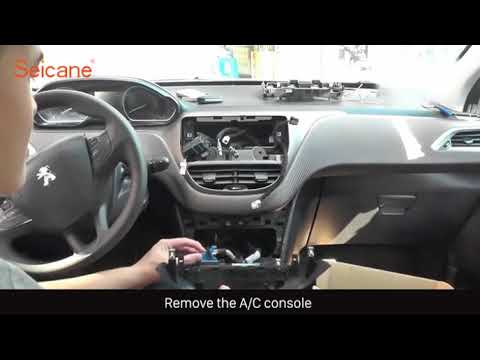
Peugeot 2008
(2013-2019 /
MK 1)
Before you begin, sit in the driver's seat of your Peugeot 2008. Using a thin but sturdy tool, start by prying off and removing the car radio frame, …
Peugeot 2008
(2019-2026 /
MK 2)
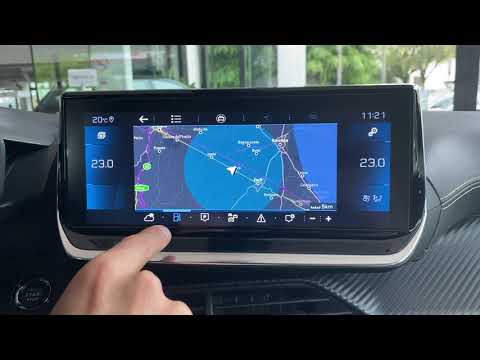
In this video, we will look at the guide for the new infotainment system and radio in the second generation Peugeot 2008. Get inside the car and pres…
Peugeot 2008
(2013-2019 /
MK 1)
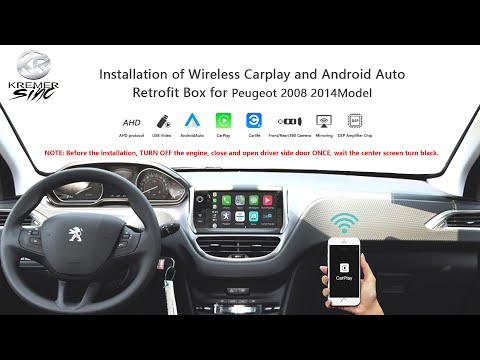
In this video, you will see step-by-step instructions for removing the original radio and replacing it with one compatible with Android Auto or Apple…
Other guides you may be interested in |
How to Open the Fuel Flap of a Fiat Panda That is Stuck
In this video, see how to open the fuel flap of a Fiat Panda that is stuck and cannot be opened from the outside. This is quite a serious problem as it prevents refuelling. You will likely need to have the flap repaired by a body shop, but in the meantime, how can you refuel? Fortunately, Fiat technicians have considered this situation. Simply open the rear hatch, and once open, you will notice a small loop made of a red cord on the passenger side, located right by the flap: pull it and it will open, allowing you to refuel. by ScegliAuto More videos
|
|
For advertising on this site Write to info@scegliauto.com
ScegliAuto is not responsible for any inaccuracy of the data in the lists. To report any inaccuracy or your business (if you own the business in question), please write to info@scegliauto.com
Number of seconds to generate the page: 0.012
(c) ScegliAuto 2026 - info@scegliauto.com - Privacy policy VAT number: IT01247470535 |
