
|
Do it yourself
| |||
| ||||


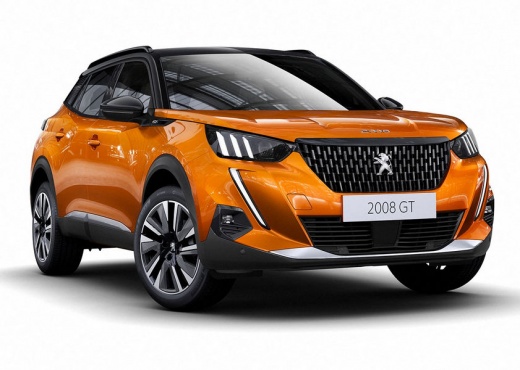
Change Voice Commands on Peugeot 2008 and 3008 from 'Beginner Mode' to 'Expert Mode'
Model: Peugeot 2008
MK 2
- Years:
2019, 2020, 2021, 2022, 2023, 2024, 2025, 2026
Video tutorial
Voice commands are very useful, but in vehicles like the Peugeot 2008, 3008, and 5008, they are often underused because they can be a bit tedious due to the long prompt given each time they engage with the user. When you press the 'voice' button, the system provides a lengthy introduction, asking you to state your desired command after the 'beep'. To avoid hearing this every time, you can press the 'voice' button again and request to set the 'expert mode'. This way, after the initial tone, the system will not say anything more and will only wait for your command. If you wish to revert to 'beginner mode', you can do so at any time.
Updated on 16 July 2026 by ScegliAuto
Related tutorials
Peugeot 2008
(2019-2026 /
MK 2)
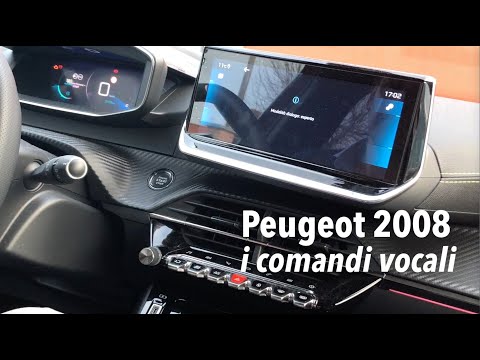
In this video, we see how voice commands have been improved in the latest version of the Peugeot 2008: on the keypad located to the left of the steer…
Peugeot 2008
(2019-2026 /
MK 2)
Using voice commands in your vehicle is a safety measure, especially in a car like the Peugeot 2008 that offers ample space for it. Briefly press the…

Peugeot 2008
(2019-2026 /
MK 2)
In this short guide, we will see the steps that will allow us to activate voice commands and Android Auto on the Peugeot 2008. First, we get on board…
Other guides you may be interested in |
How to Open the Fuel Flap on a Volkswagen Tiguan?
To open the fuel flap on a Volkswagen Tiguan, first unlock the car using the appropriate button on the remote. This will open the car and unlock the mechanism that controls the fuel flap. At this point, apply light pressure to the left side of the flap to open it and access the cap underneath. Once this is unscrewed, you can refuel and then close everything. by ScegliAuto More videos
|
|
For advertising on this site Write to info@scegliauto.com
ScegliAuto is not responsible for any inaccuracy of the data in the lists. To report any inaccuracy or your business (if you own the business in question), please write to info@scegliauto.com
Number of seconds to generate the page: 0.010
(c) ScegliAuto 2026 - info@scegliauto.com - Privacy policy VAT number: IT01247470535 |
