
|
Do it yourself
| |||
| ||||


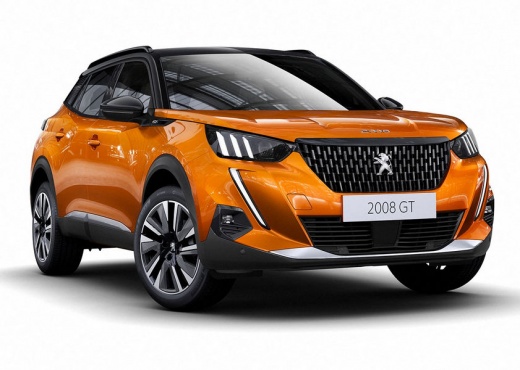
How to Force Restart the Screen on a Peugeot 2008
Model: Peugeot 2008
MK 2
- Years:
2019, 2020, 2021, 2022, 2023, 2024, 2025, 2026
Video tutorial
In this video, we will see how to force restart the screen on a Peugeot 2008, but also on the 3008, 5008, etc. When the screen is stuck on a page and cannot proceed in any way, what you need to do is press the phone button on the keypad below the screen and hold it for about 10 seconds. After this time, you can release it, and the screen will completely turn off, going black, and then it will automatically reboot. There is no need to turn off the engine, and this can be done even while driving. The Peugeot logo will reappear, and the system will now be unlocked.
Updated on 5 October 2026 by ScegliAuto
Related tutorials
Peugeot 2008
(2019-2026 /
MK 2)
The video tutorial being proposed does not refer only to the 2024 Peugeot 2008, but to all cars in general, which are equipped with a touchscreen dis…

Peugeot 2008
(2013-2019 /
MK 1)
This video describes the procedure for resetting the Peugeot 2008. Turn on the ignition (engine on or off, as long as the system is powered). Locate …
Peugeot 2008
(2019-2026 /
MK 2)
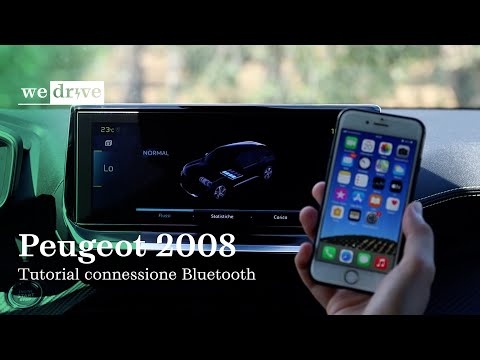
In this video, learn how to connect your smartphone to the infotainment system of the Peugeot 2008. On the multimedia screen, press 'phone' and 'conn…
Other guides you may be interested in
|
Frequently Asked QuestionsHow to reset the Service light on a 2019 Jeep Renegade?
The Service light, depicted as a yellow spanner, illuminates as scheduled to remind the driver that it is time for scheduled maintenance. This means that the set mileage has been reached, or the expected time has passed. The procedure involves turning on the instrument cluster, pressing the accelerator three times, and then turning off the ignition. After this, keep the brake pressed, turn the ignition back on, and then turn it off again. Upon the next ignition, you will notice that the light has been reset. by ScegliAuto More videos
|
For advertising on this site Write to info@scegliauto.com
ScegliAuto is not responsible for any inaccuracy of the data in the lists. To report any inaccuracy or your business (if you own the business in question), please write to info@scegliauto.com
Number of seconds to generate the page: 0.092
(c) ScegliAuto 2026 - info@scegliauto.com - Privacy policy VAT number: IT01247470535 |
