
|
Do it yourself
| |||
| ||||


|
Model: Piaggio Vespa Gts 300
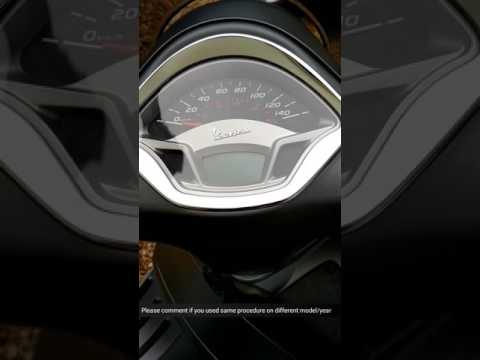
It will be possible to adjust the clock of the Piaggio Vespa GTS 300 by inserting the ignition key into the corresponding block and turning it to turn on the instrument panel: once the panel is activated, it will be possible to hold down the MODE button located under the right handlebar grip. In this way, it will be possible to notice that the number indicating the hours will start flashing: by repeatedly pressing the MODE button, it will be possible to change the hours. In this way, you can hold down the MODE button again, noticing that the minutes will be flashing and can be changed in the same way.
Posted on 20 July 2025 by ScegliAuto
Video tutorial
Related tutorials
Vespa Gts 300
To set the clock on the Vespa GTS 300, follow these steps: Turn on the Vespa and ensure the display is on and functioning. Look for the clock setting…
Vespa Gts 300
Today, you will see, in this short and simple guide, how to adjust the clock on the Piaggio Vespa GTS 300 scooter. First, place the scooter on its ce…

Vespa Gts 300
In this short and simple guide, you will learn how to adjust the clock and access the menu on the instrument panel of the Piaggio Vespa GTS 300. Firs…
|
Setting the Time on a Yamaha Tracer 700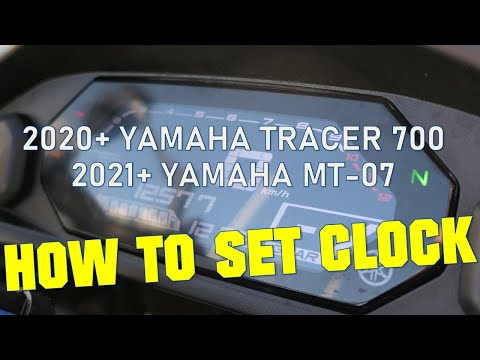
This brief tutorial shows how to adjust the time on the onboard computer of your Yamaha Tracer 700. Start by turning on the vehicle's ignition, then press the INFO button until you see ODO along with the total mileage. Next, press and hold the TRIP button until the hour display starts flashing, then press the TRIP button again to change the hour. After that, press the INFO button to switch to minutes and adjust them using the TRIP button. Finally, press the INFO button again to complete the operation. This tutorial also applies to the Yamaha MT-07. by ScegliAuto More videos
|
|
For advertising on this site Write to info@scegliauto.com
ScegliAuto is not responsible for any inaccuracy of the data in the lists. To report any inaccuracy or your business (if you own the business in question), please write to info@scegliauto.com
Number of seconds to generate the page: 0.005
(c) ScegliAuto 2026 - info@scegliauto.com - Privacy policy VAT number: IT01247470535 |
