
|
Do it yourself
| |||
| ||||


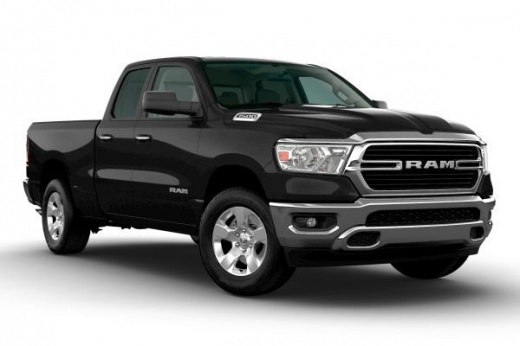
How to reset the onboard computer in the RAM 1500 pickup truck?
Model: RAM 1500
MK 5, DT
- Years 2019-2026
In this tutorial, we can see how to reset the onboard computer in the RAM 1500 pickup truck, an extremely simple and quick operation to be performed, for example, as an attempt to resolve an issue or following the accidental activation of unwanted settings. First, enter the interior of the vehicle, then insert the key and turn on the dashboard. Next, navigate to the general menu on the touchscreen display, enter "Settings", scroll down through the various options and select "Restore Default Settings". Confirm the choice at this point and wait for the system to restart.
Posted on 26 July 2024 by ScegliAuto
Video tutorial
Related tutorials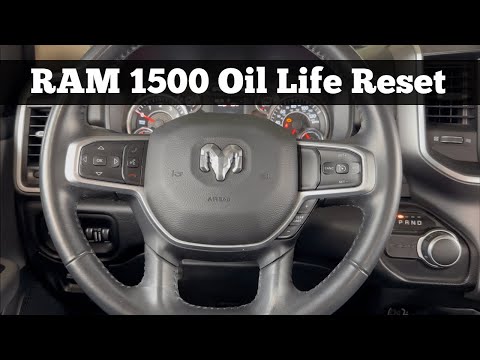
RAM 1500
(2019-2026 /
MK 5, DT)
In this tutorial, you will see how to reset the oil service light on a RAM 1500 pickup, a very simple and quick operation. Before proceeding, ensure …
RAM 1500
(2009-2019 /
DS, DJ, MK 4)
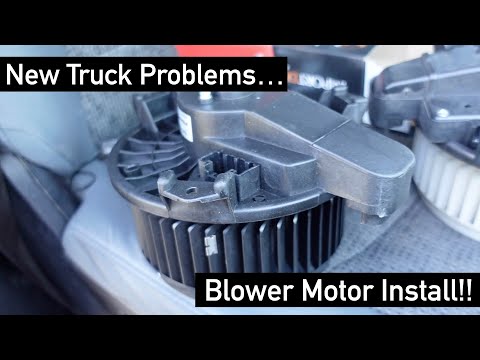
In this tutorial, we can see how to replace the cabin fan in the RAM 1500 pickup, an extremely simple and quick operation. First of all, make sure th…

RAM 1500
(2009-2019 /
DS, DJ, MK 4)
If the AdBlue light comes on in the instrument panel of the RAM 1500 pick-up, it means that the liquid of the anti-pollution system has reached the m…
Other guides you may be interested in
|
How to Remove the Headlight Bulb on a Honda Civic
Are the front headlight bulbs on your Honda Civic faulty? Follow this instructional video for the disassembly process. Open the bonnet of the engine compartment, remove the inspection caps from the headlights using a screwdriver, detach the bulb holders from the headlight, and disconnect the respective power connectors. Replace the damaged bulbs with new ones of the same size and voltage. After replacing the bulbs, reinstall the bulb holder in the headlight housing. Finally, close the rear of the headlights with the inspection caps. Test the lights to ensure they are functioning correctly. by ScegliAuto More videos
|
|
For advertising on this site Write to info@scegliauto.com
ScegliAuto is not responsible for any inaccuracy of the data in the lists. To report any inaccuracy or your business (if you own the business in question), please write to info@scegliauto.com
Number of seconds to generate the page: 0.113
(c) ScegliAuto 2026 - info@scegliauto.com - Privacy policy VAT number: IT01247470535 |
