
|
Do it yourself
| |||
| ||||


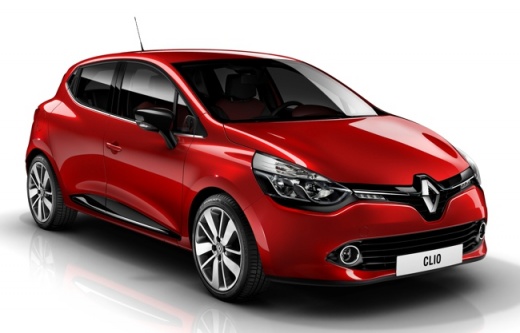
Entering the Radio Code for the Renault Clio IV
Model: Renault Clio
Clio IV, Clio 4, MK 4
- Years:
2012, 2013, 2014, 2015, 2016, 2017, 2018, 2019
Video tutorial
After replacing the battery, due to the power interruption, the radio in the Renault Clio IV enters protection mode. Upon restarting, you will see a request on the central display to enter the unlock code. You will find the code in the device manual; if you have lost it, contact Renault assistance. To enter it, sit in the driver's seat, turn the knob on the right side of the steering column until the first digit of the code appears, and press the knob to confirm. Repeat the same steps for the other three digits; once the fourth digit is entered, the radio will activate.
Updated on 27 October 2026 by ScegliAuto
Related tutorials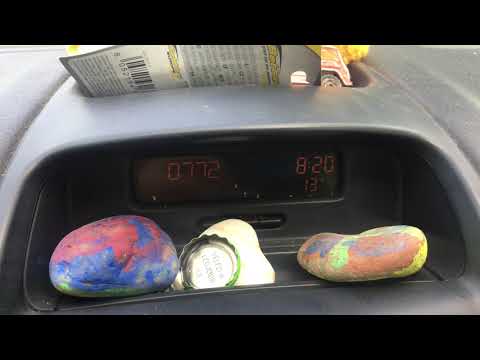
Renault Clio
(1998-2005 /
MK 2, Clio 2)
To enter the unlock code for the Renault Clio 2 radio, you need to find the code using specific applications or by reading the documents provided at …
Renault Clio
(1998-2005 /
MK 2, Clio 2)
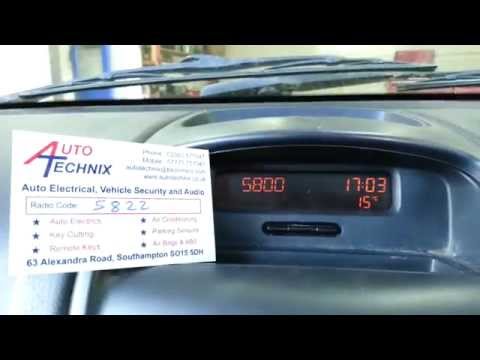
This guide shows how to enter the unlock code for the Renault Clio Mk2 radio. This operation requires knowledge of the unlock code, provided in the v…
Renault Clio
(2012-2019 /
Clio IV, Clio 4, MK 4)
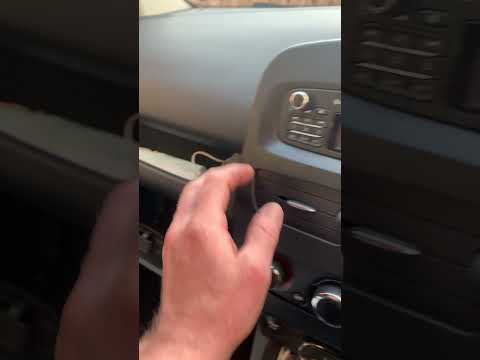
In the Renault Clio 4, the radio code is entered using the keypad on the left side of the radio. Buttons 1 to 4 are used to input the four digits of …
Other guides you may be interested in
|
Frequently Asked QuestionsHow to Set the Time in an Audi A4?
In this tutorial, you will see how to set the time in an Audi A4, a very simple and quick operation to perform after replacing the battery or when the time changes. First, insert the key and turn on the instrument cluster. Then, press the "SETUP" button located on the center console. Next, press the upper left arrow button, navigate to the "Time" option, and use the central knob to adjust the clock. Finally, set any necessary formats and save by returning to the main screen. by ScegliAuto More videos
|
|
For advertising on this site Write to info@scegliauto.com
ScegliAuto is not responsible for any inaccuracy of the data in the lists. To report any inaccuracy or your business (if you own the business in question), please write to info@scegliauto.com
Number of seconds to generate the page: 0.071
(c) ScegliAuto 2026 - info@scegliauto.com - Privacy policy VAT number: IT01247470535 |
