
|
Do it yourself
| |||
| ||||


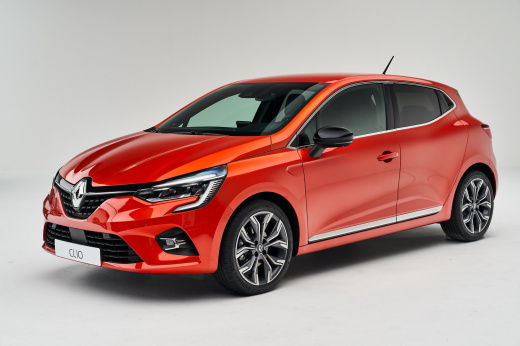
How do you reset the AdBlue warning light on the Renault Clio?
Model: Renault Clio
Clio V, Clio 5
- Years:
2019, 2020, 2021, 2022, 2023, 2024, 2025, 2026
Video tutorial
In order to make the AdBlue warning light disappear from the instrument panel of the Renault Clio, you need to top up with the necessary amount of additional fluid: this fluid must be poured into the appropriate tank. To reach it, you will need to open the fuel door and locate the blue cap underneath: by unscrewing this cap, you will be able to insert the necessary amount of fluid to fill the tank. After topping up, you can close the fuel door and turn on the dashboard to check that the warning light has disappeared.
Posted on 5 December 2024 by ScegliAuto
Related tutorials
Renault Clio
(2019-2026 /
Clio V, Clio 5)
Let's discover the instructions that will allow us to reset the AdBlue refill warning for the Renault Clio 1.5 dCi. First of all, it is necessary to …

Renault Clio
(2019-2026 /
Clio V, Clio 5)
Let's go see, about the Renault Clio 5, for which we have a video review, how to reset the adblue warning light. The adblue, we remind you, is an ant…

Renault Clio
(2019-2026 /
Clio V, Clio 5)
To reset the AdBlue warning light on a Renault Clio, first perform a refill by adding the necessary amount of additive liquid into the corresponding …
Other guides you may be interested in
|
How to Activate the Disabled TRC on the Toyota Yaris?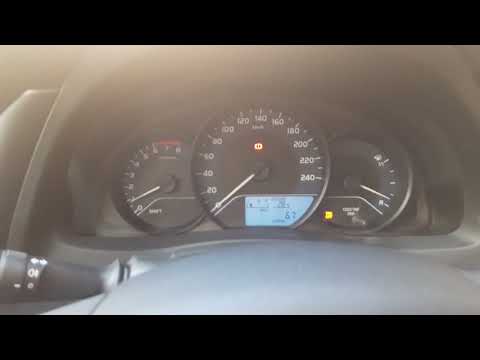
As the video clearly shows, disabling or activating the traction control (TRC or ESP) on the Toyota Yaris is very simple. By default, the traction system activates every time the vehicle is started. To disable it, simply press the button depicting a skidding car located in the centre of the vehicle where the controls are, such as the hazard lights and the radio, but near the handbrake. Once disabled, the TRC off light will illuminate on the dashboard. To reactivate it, just press the same button again. by ScegliAuto More videos
|
For advertising on this site Write to info@scegliauto.com
ScegliAuto is not responsible for any inaccuracy of the data in the lists. To report any inaccuracy or your business (if you own the business in question), please write to info@scegliauto.com
Number of seconds to generate the page: 0.043
(c) ScegliAuto 2026 - info@scegliauto.com - Privacy policy VAT number: IT01247470535 |
