
|
Do it yourself
| |||
| ||||


How to replace the rear license plate light bulb on a Renault Clio III
Model: Renault Clio
Clio 3, MK 3, Clio III
- Years:
2005, 2006, 2007, 2008, 2009, 2010, 2011, 2012, 2013
Video tutorial
In this video, we will see how to change the rear license plate light bulb of the Renault Clio III: we will need a plastic spatula or a small screwdriver; in fact, in the ceiling lights above the license plate, there is a small space that serves this purpose. Once the ceiling light has been removed, we can decide whether to only change the burnt out bulb, replacing it with a halogen of the same voltage, or change both with two LEDs, in order to give more light to the license plate. In any case, we remind you that the new bulb should never be touched with bare hands, as contact with the oils of the skin would halve its lifespan. Reattach the ceiling light in its place, and it's done.
Posted on 19 January 2025 by ScegliAuto
Related tutorials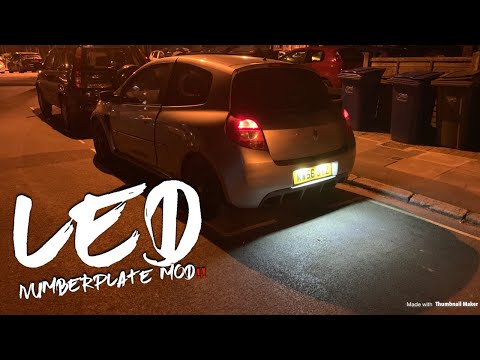
Renault Clio
(2005-2013 /
Clio 3, MK 3, Clio III)
Learn how to replace the number plate lights of a third-generation Renault Clio by following these simple instructions. First, remove the light cover…

Renault Clio
(2005-2013 /
Clio 3, MK 3, Clio III)
To replace the number plate bulb on a Renault Clio, you need to use an object to extract the light from its housing; once the light has been removed,…
Renault Clio
(1998-2005 /
MK 2, Clio 2)
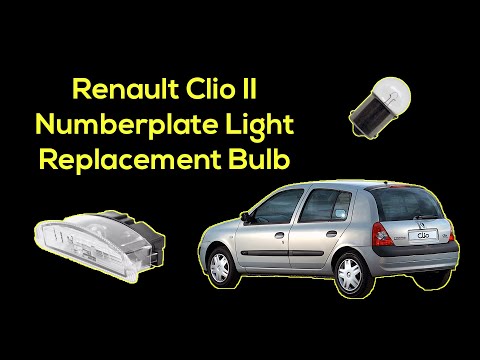
To replace the number plate bulb on a Renault Clio, use a tool like a screwdriver to lever the light unit above the number plate out of its housing. …
Other guides you may be interested in
|
How to Set the Time in an Audi A4?
In this tutorial, you will see how to set the time in an Audi A4, a very simple and quick operation to perform after replacing the battery or when the time changes. First, insert the key and turn on the instrument cluster. Then, press the "SETUP" button located on the center console. Next, press the upper left arrow button, navigate to the "Time" option, and use the central knob to adjust the clock. Finally, set any necessary formats and save by returning to the main screen. by ScegliAuto More videos
|
|
For advertising on this site Write to info@scegliauto.com
ScegliAuto is not responsible for any inaccuracy of the data in the lists. To report any inaccuracy or your business (if you own the business in question), please write to info@scegliauto.com
Number of seconds to generate the page: 0.054
(c) ScegliAuto 2026 - info@scegliauto.com - Privacy policy VAT number: IT01247470535 |
